
Features
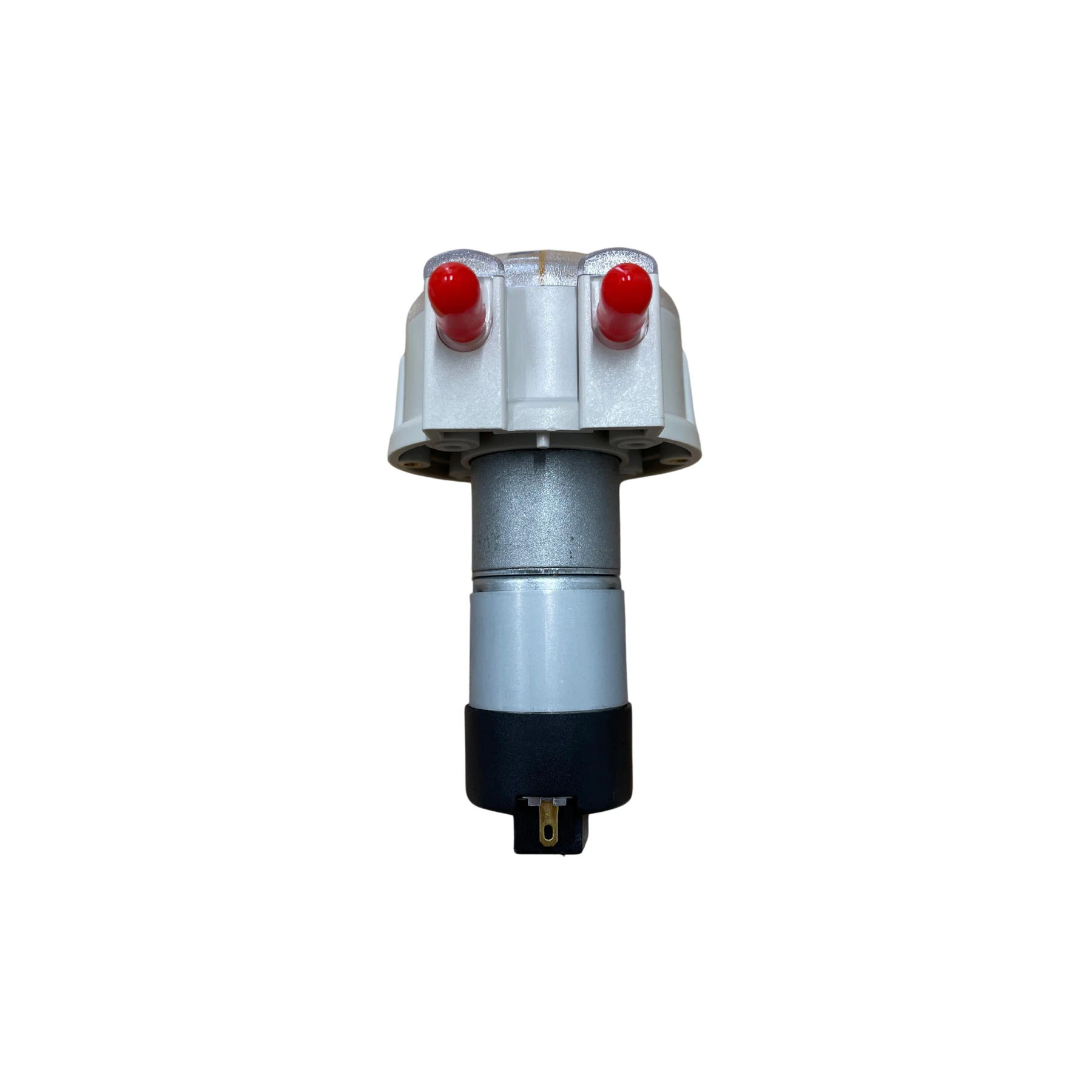
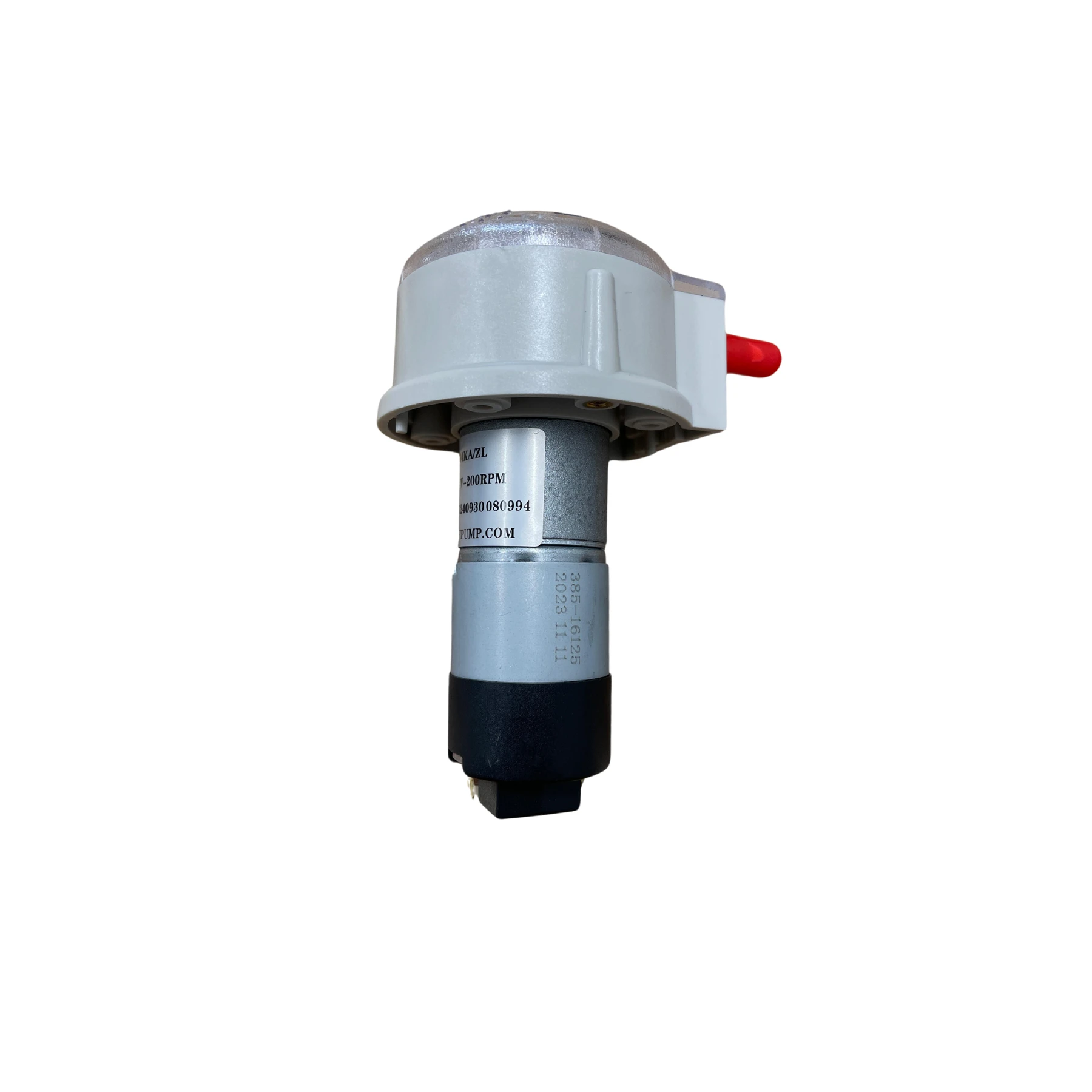
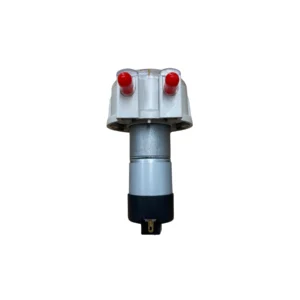
White Ink Circulation Pump is available from YOUVSKEY. Review its features, technical details and handling guidance below to check suitability for your application.
- A White Ink Circulation Pump is a specialized pump designed to keep white ink continuously moving inside the printer's ink system.
- The offers several important features to improve your printing workflow:
- Efficient circulation of white ink to prevent sedimentation.
- Prolongs the lifespan of the printer by reducing clogging.
- Quiet motor operation ensures minimal noise disruption.
- Durable and designed for long-term use in printing environments.
- Easy installation compatible with most DTF and digital printers.
- Low energy consumption supports eco-friendly printing.
Specifications
| Product | White Ink Circulation Pump |
|---|---|
| Brand | PRINTIUM |
| SKU | SP-P604-0014 |
| Product type | Parts & Accessories |
Instructions
- First, carefully connect the circulation device to the designated ink reservoir in your printer, making sure to follow the detailed instructions provided by the manufacturer. Proper installation ensures optimal performance and prevents leaks or damage.
- During printing sessions, keep the pump running continuously. This constant movement is crucial for maintaining a consistent flow of ink and preventing any pigments from settling or separating. Interrupting the pump’s operation can lead to uneven ink distribution and affect print quality.
- It’s important to routinely check both the pump and its connecting tubing for any signs of blockage, wear, or damage. Clogged lines or worn components can reduce efficiency and may cause the device to fail prematurely.
- Regular cleaning is essential to keep the circulation device functioning properly over time. Follow the cleaning guidelines specified by the manufacturer, which usually involve flushing the system with appropriate cleaning solutions to remove ink buildup and prevent clogs.
- Lastly, if you notice any decline in performance—such as unusual noises, decreased circulation, or inconsistent ink flow—inspect the device thoroughly and replace any faulty parts promptly. Timely maintenance helps avoid downtime and extends the life of your equipment.
Use these product-specific notes together with the supplied equipment manual and product label. Confirm compatibility and perform a small test before production.


Reviews
There are no reviews yet.