
Features
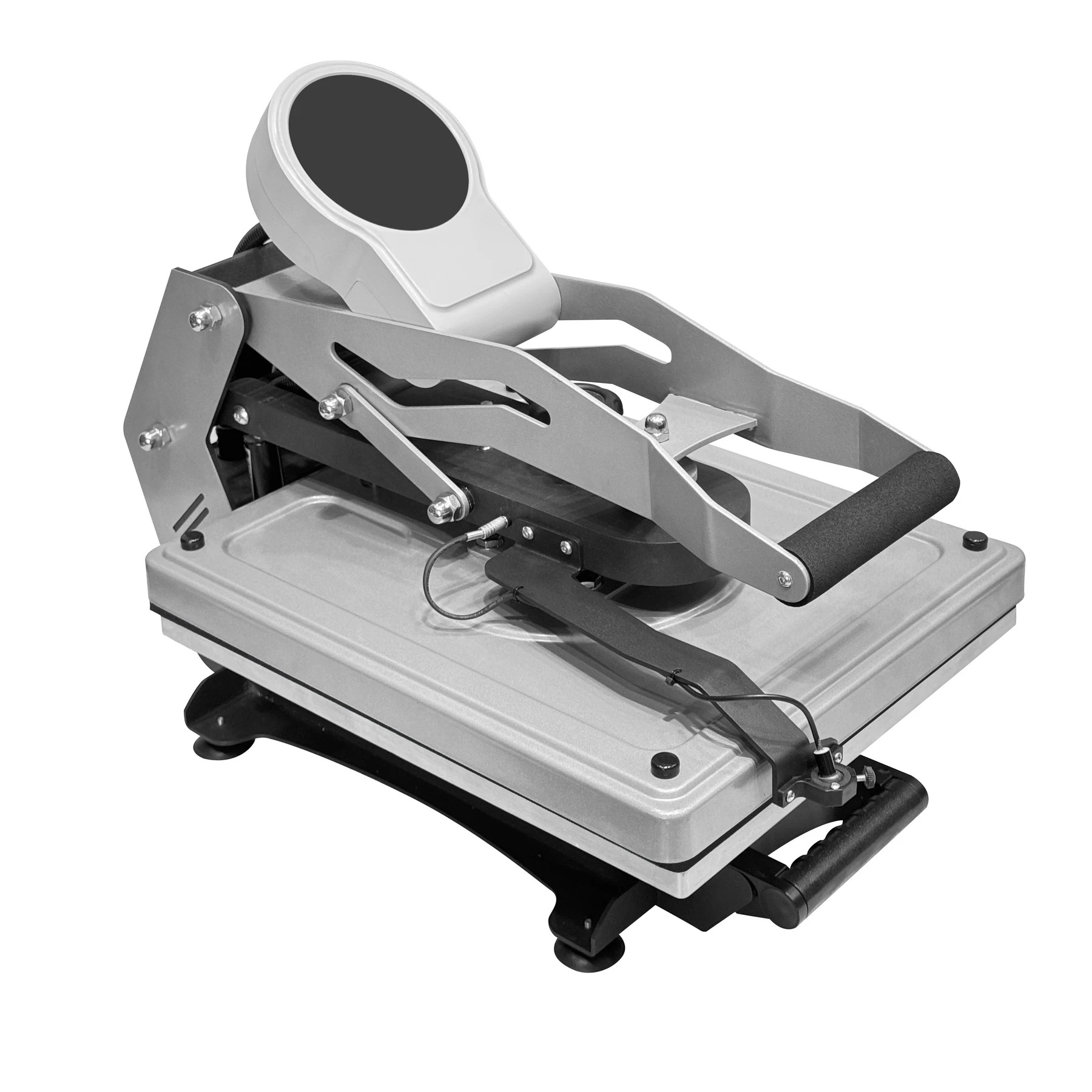
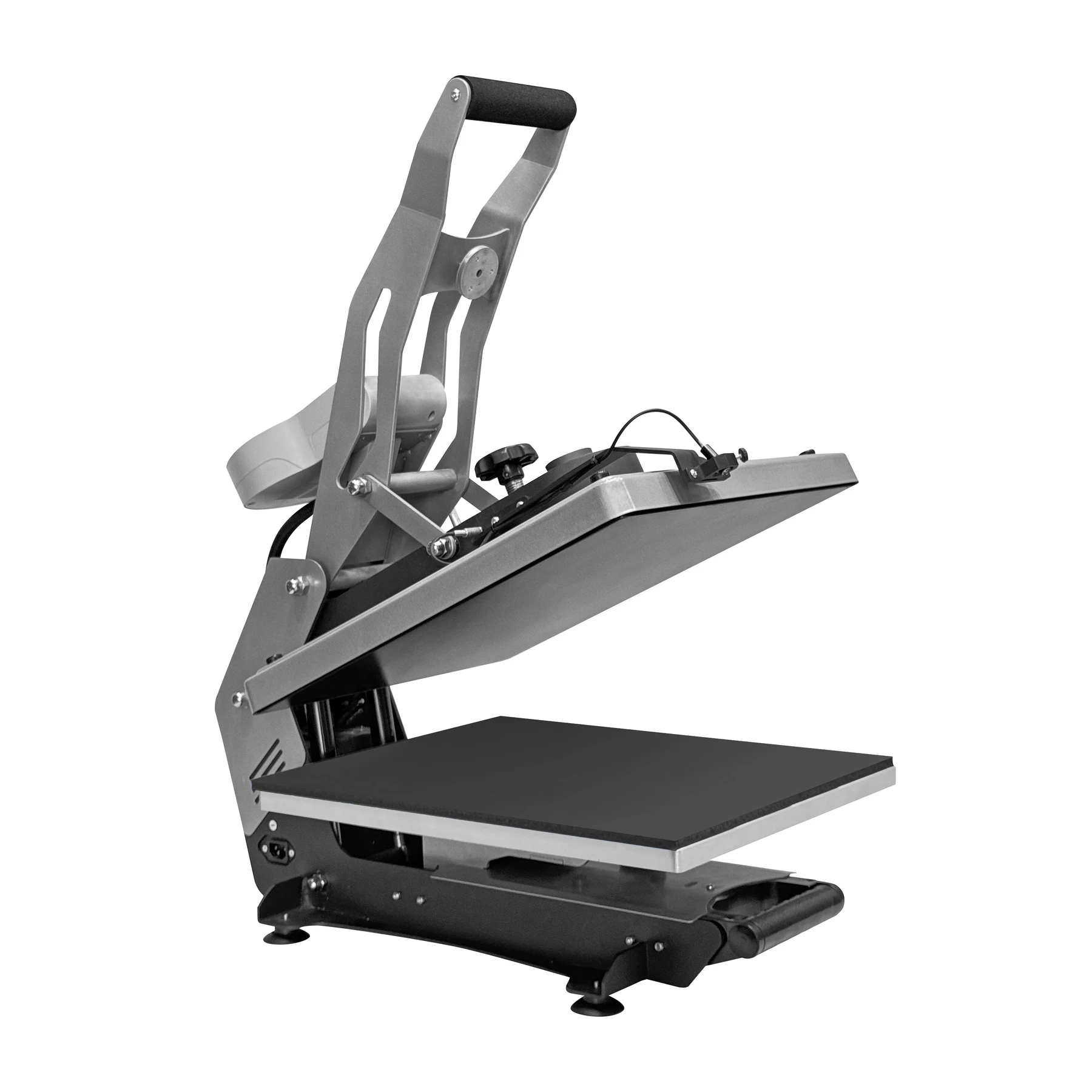
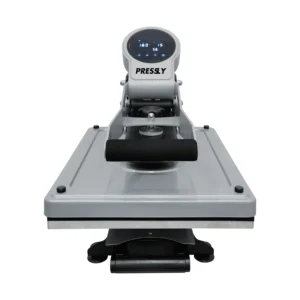
Clamshell Heat Press Machine Semi-Automatic Slide-Out – SlideMaster HP3804 is available from YOUVSKEY. Review its features, technical details and handling guidance below to check suitability for your application.
- Timing errors in traditional manual presses can cause ruined prints.
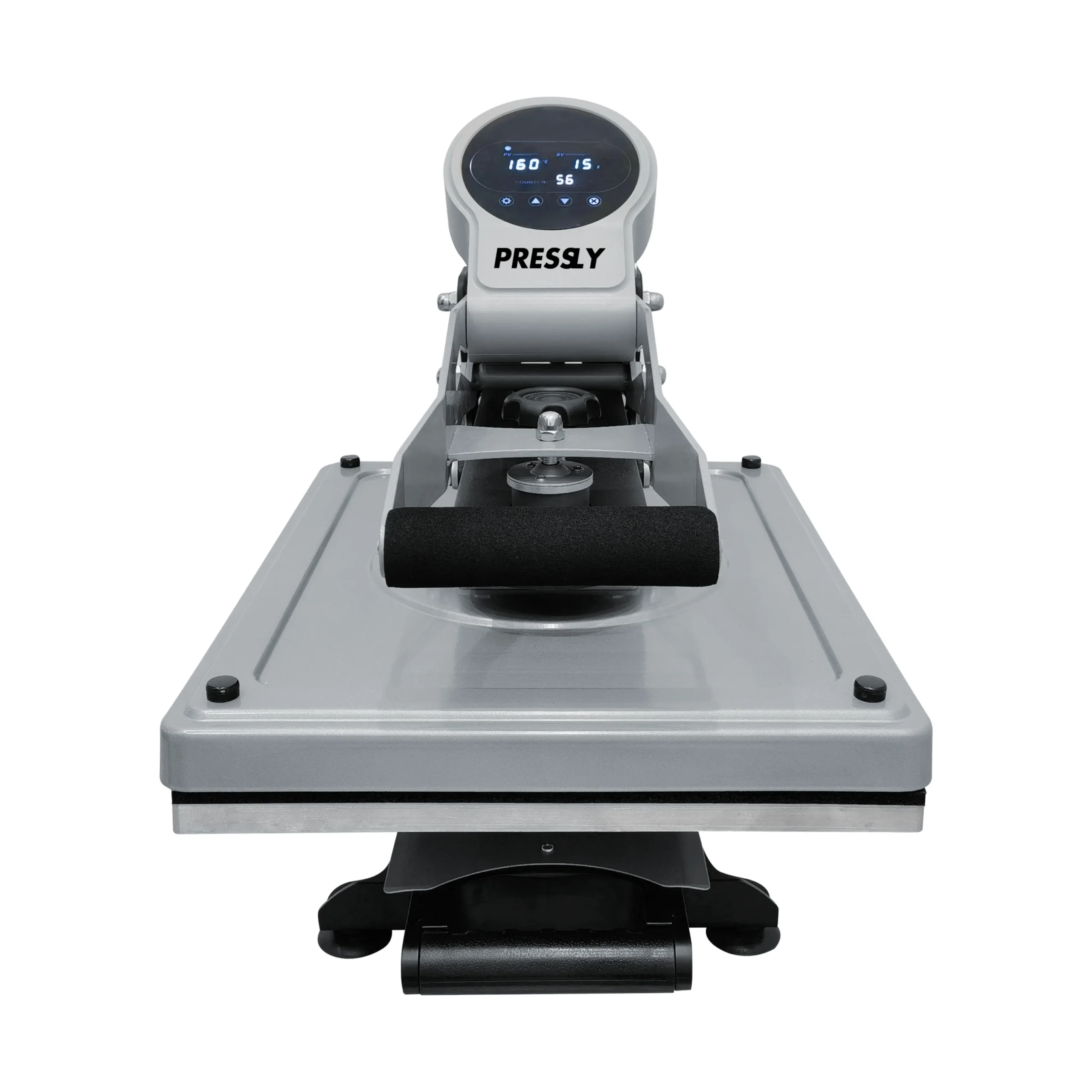
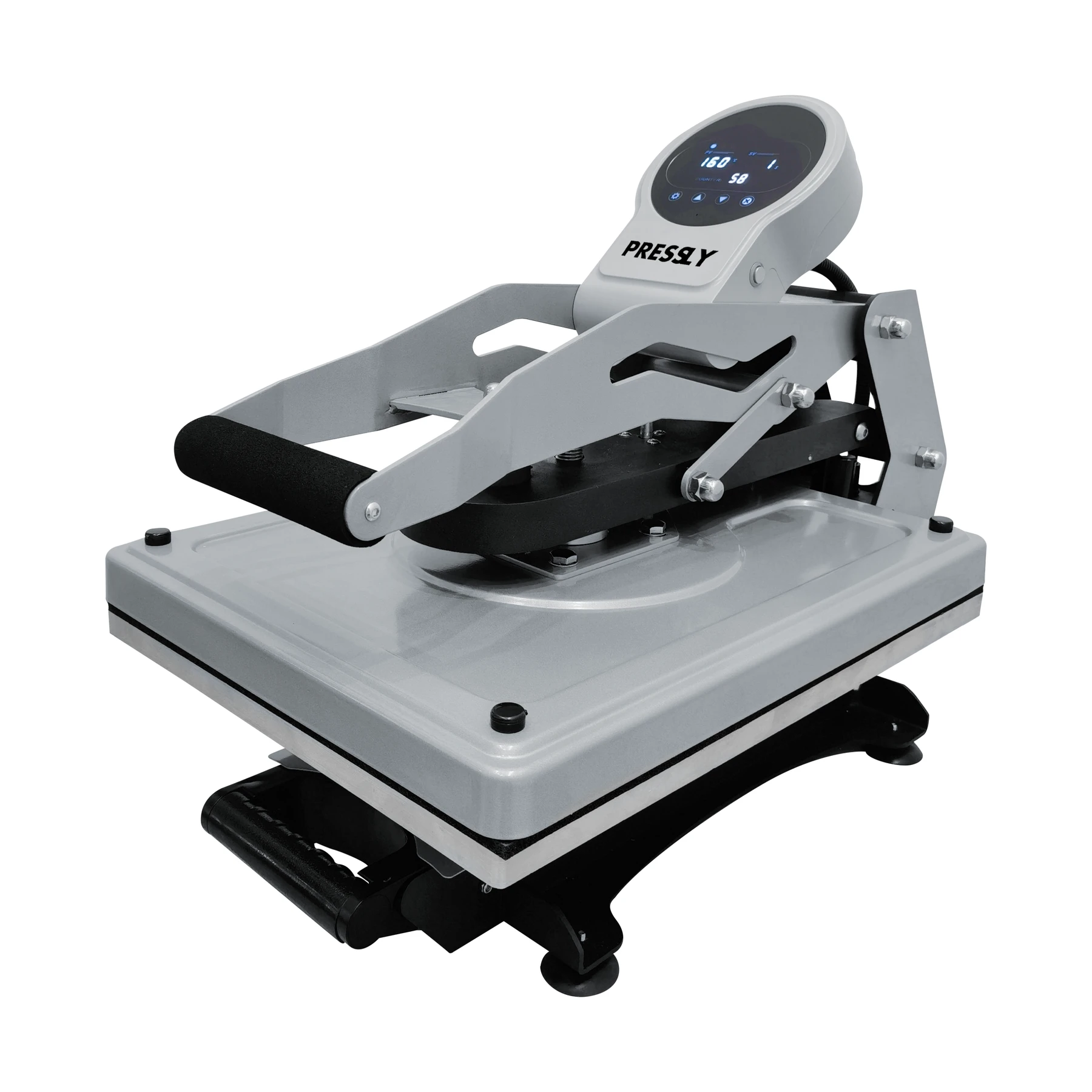
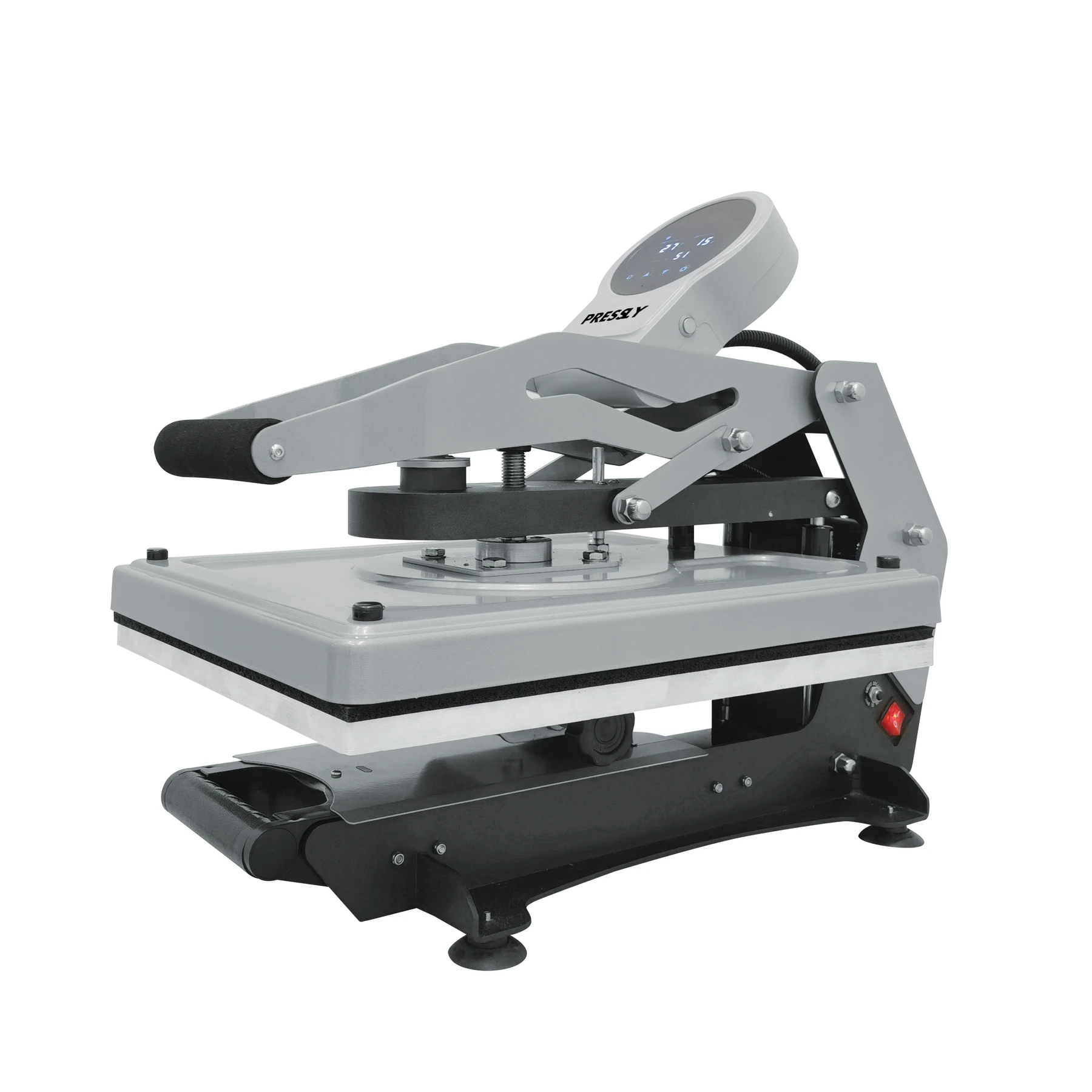
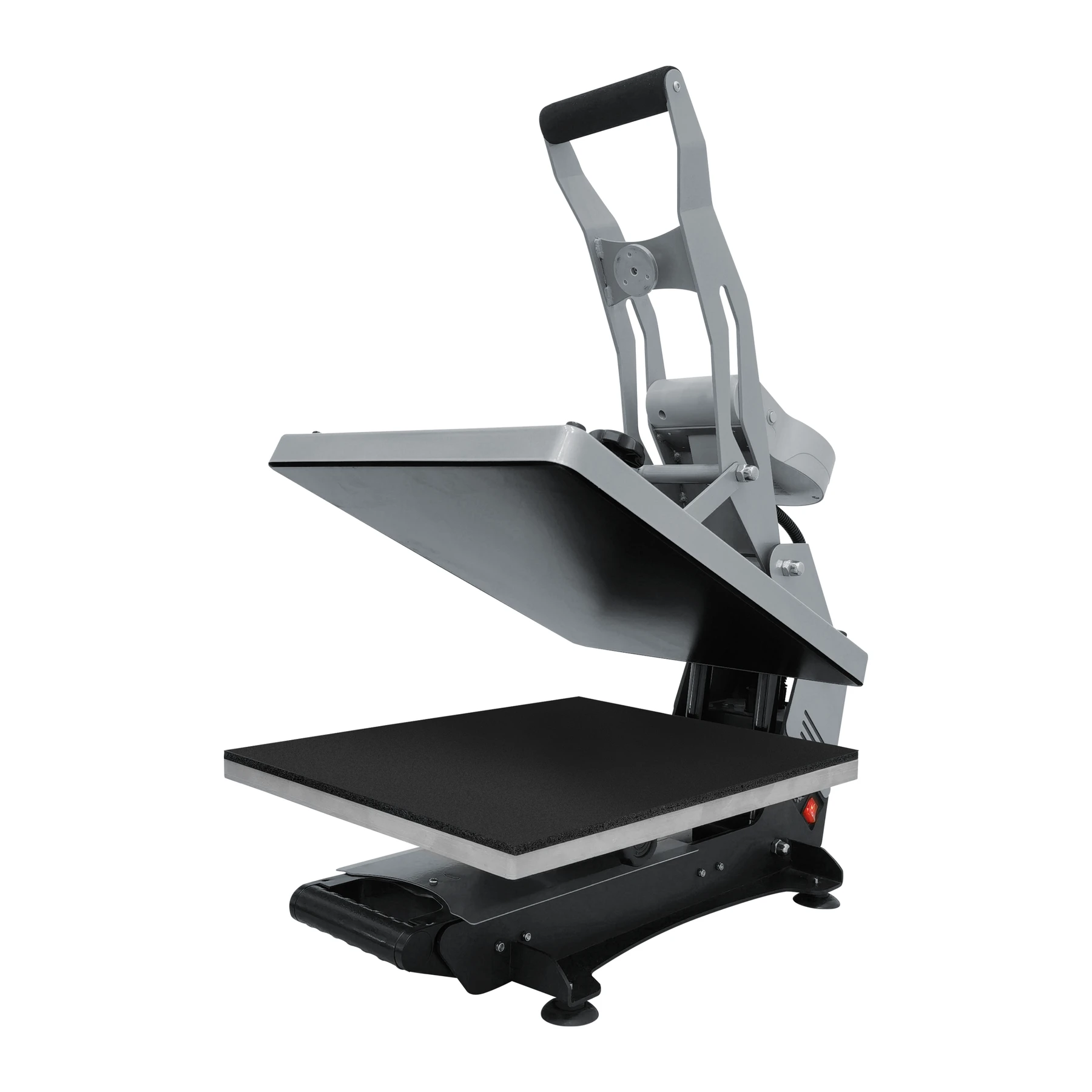
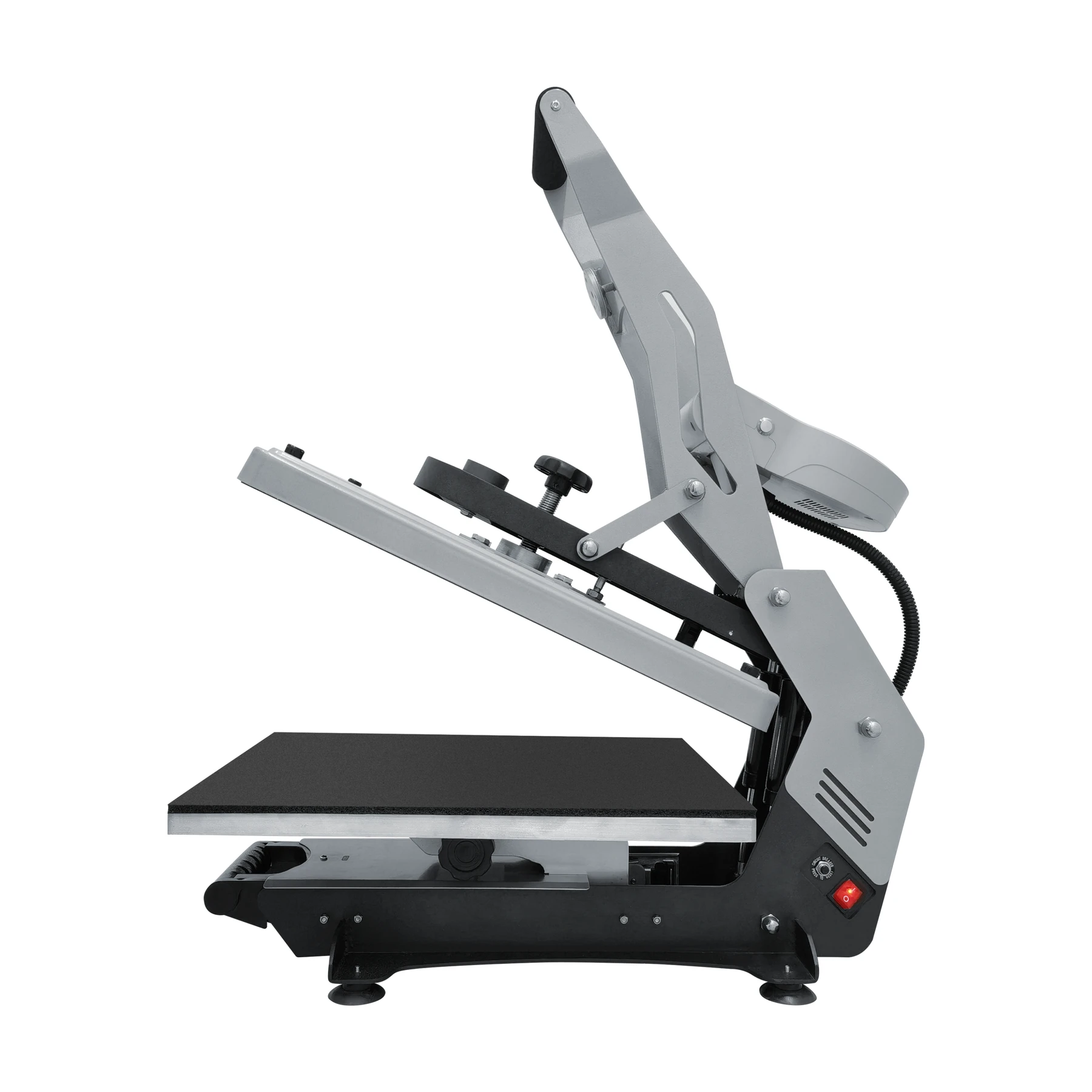
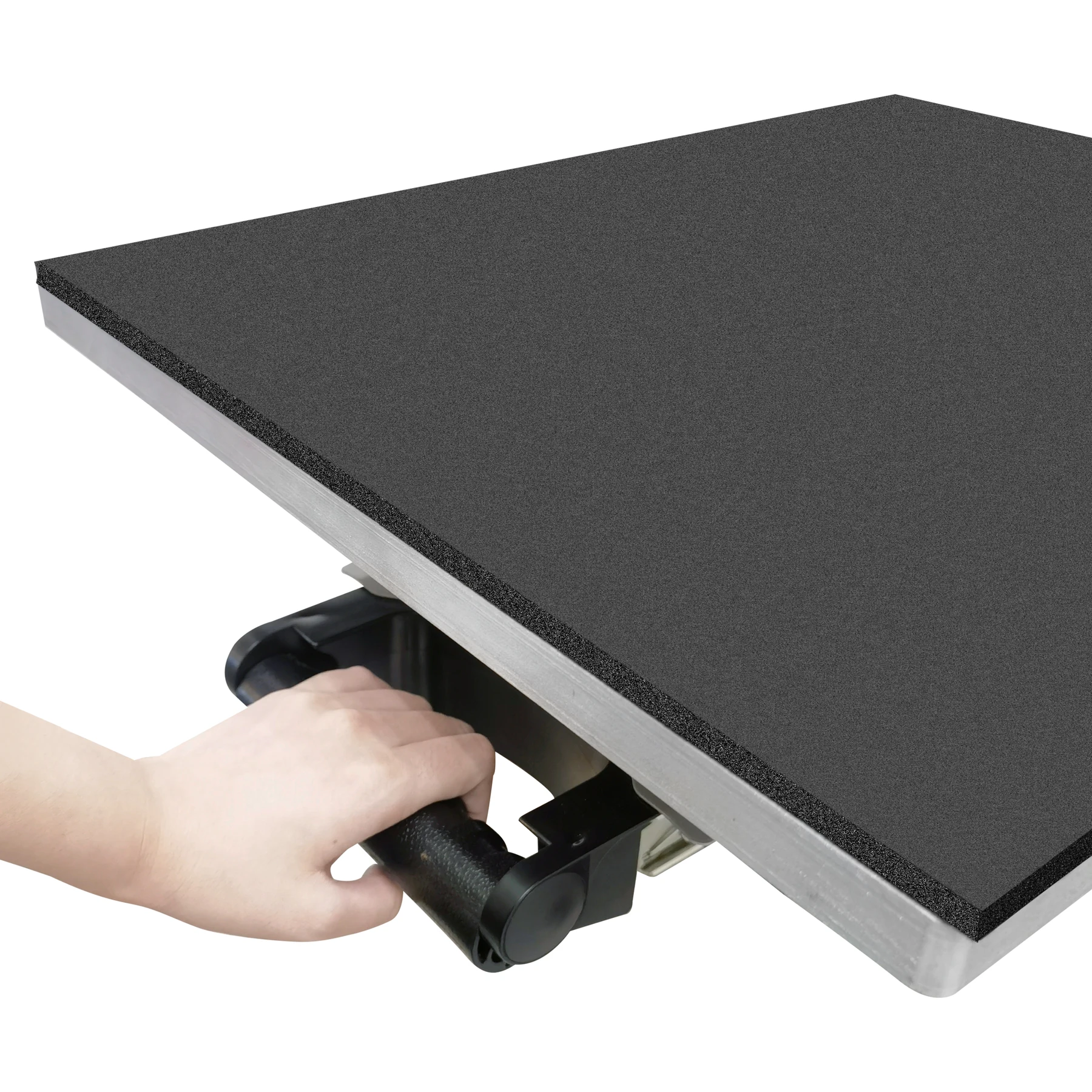
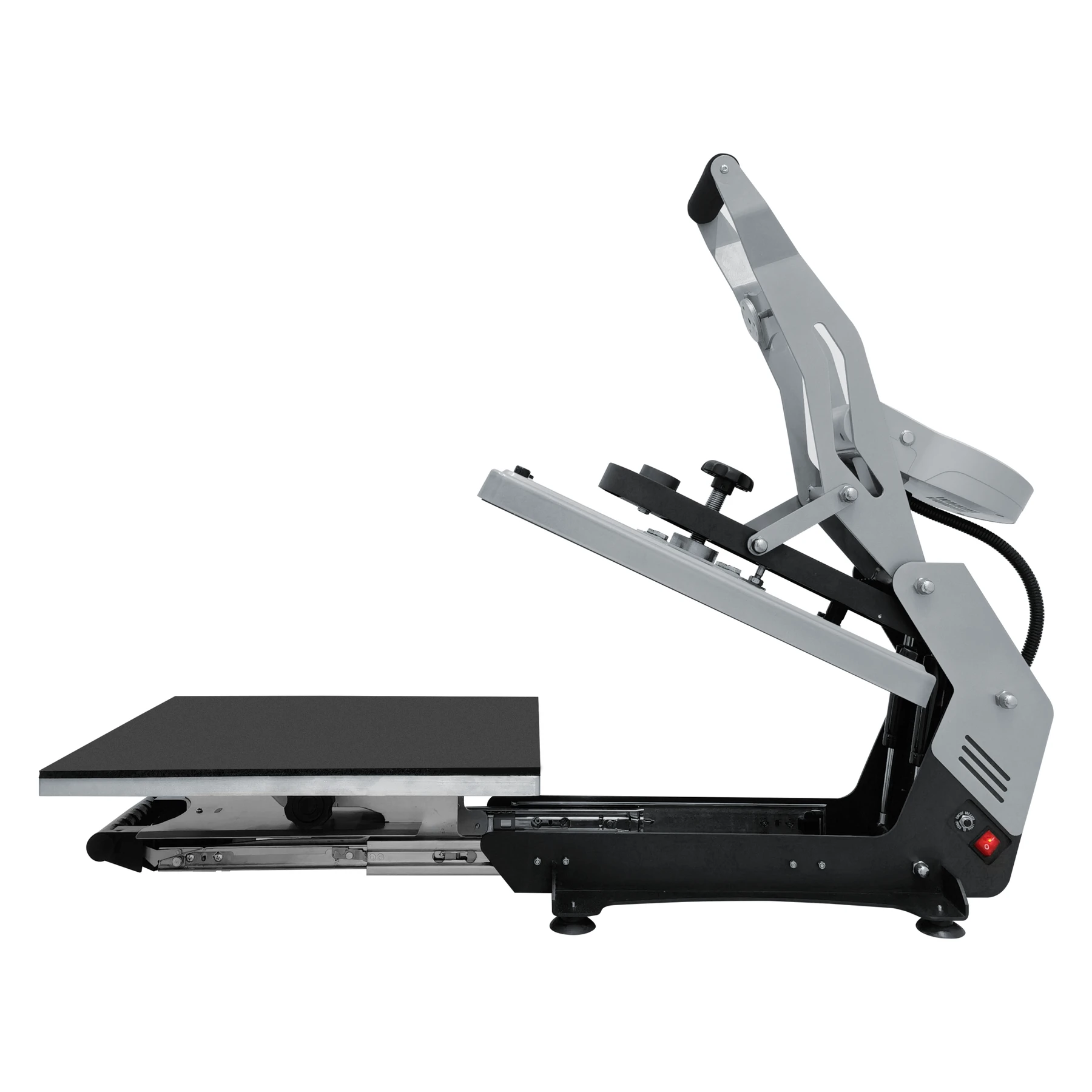
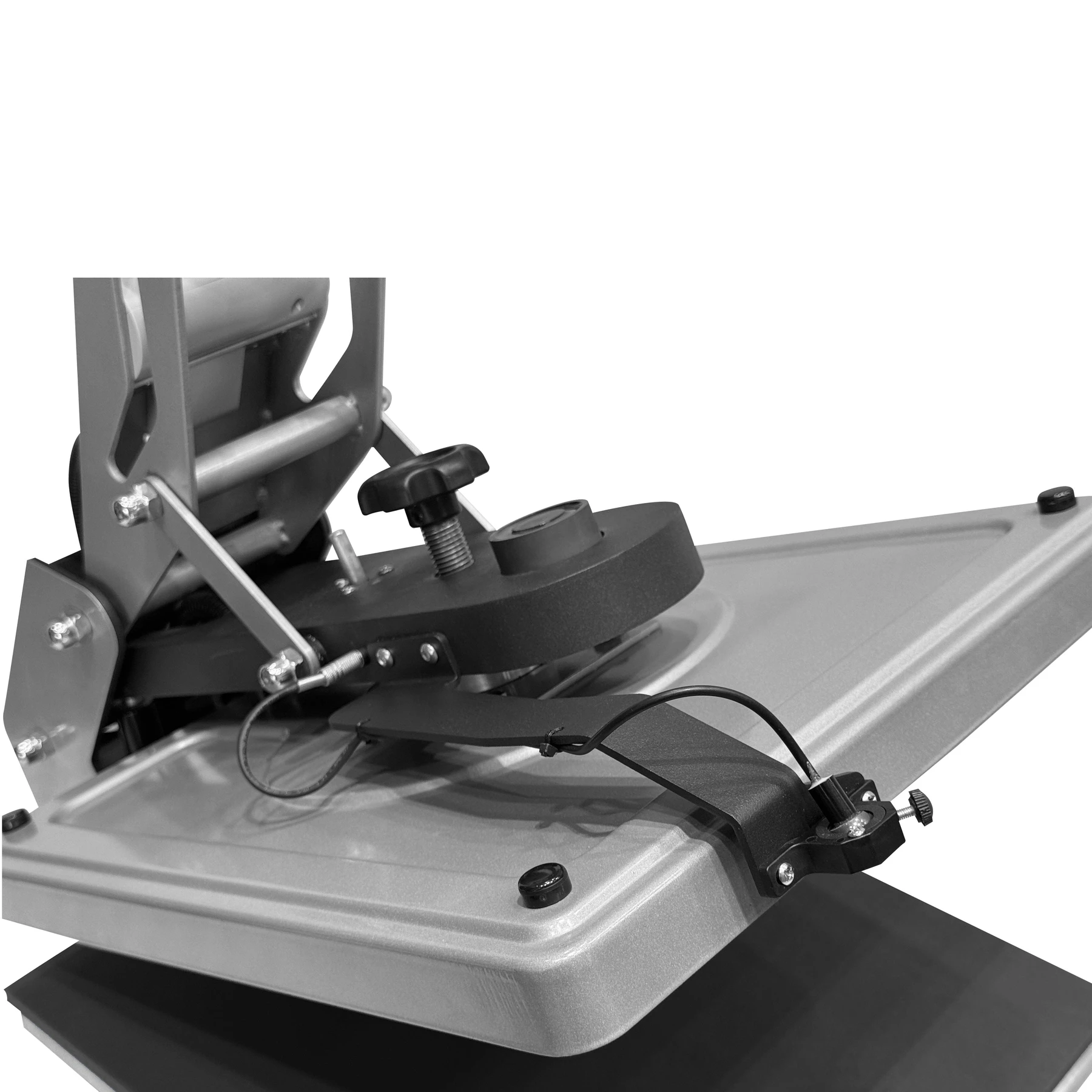
- The most striking feature of this machine is the pull-out bottom platen.
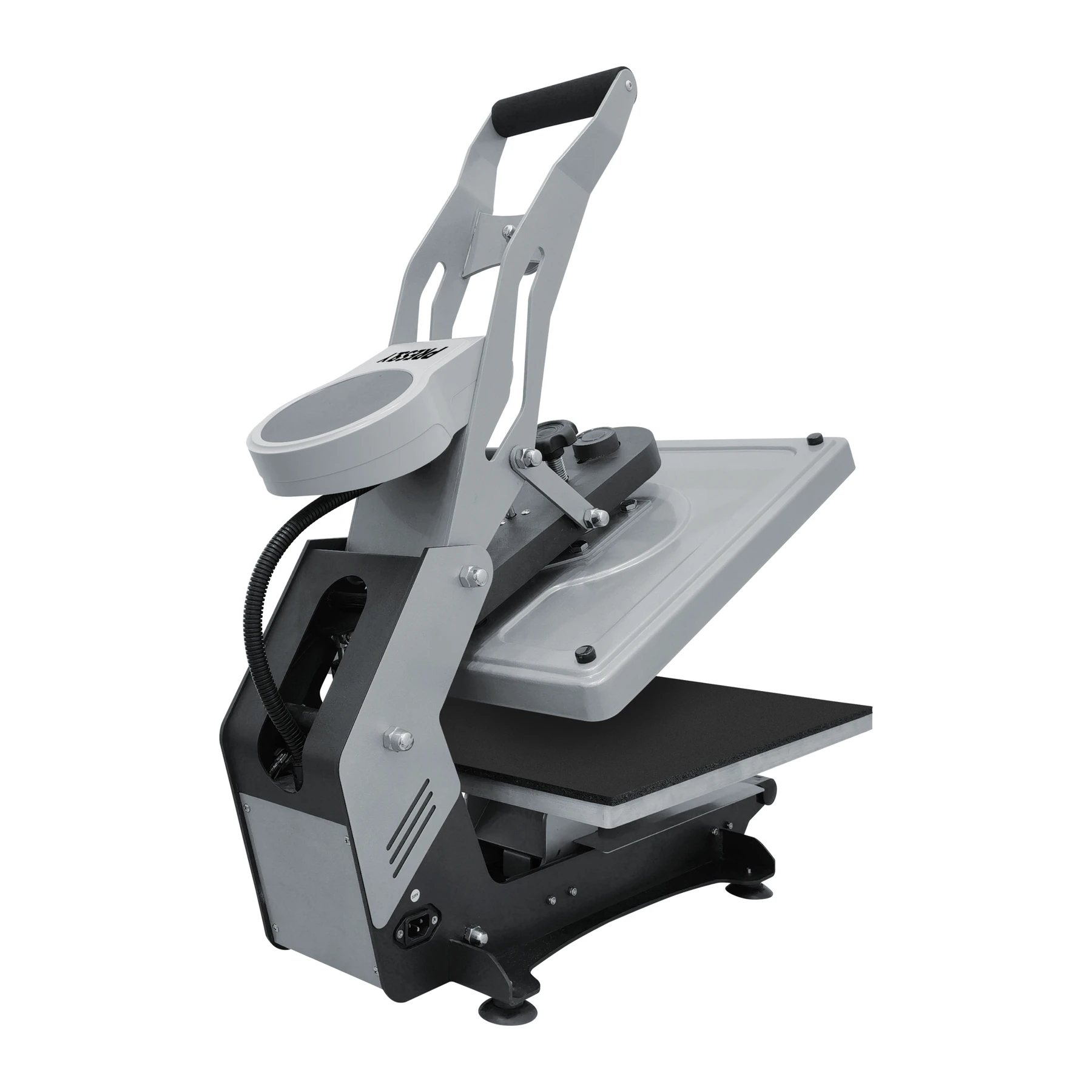
- The machine body is manufactured from heavy-duty steel material.
- Operator comfort directly affects productivity during long production shifts.
- Combining aesthetics and functionality, this press is the gold standard for DTF processes.
Specifications
| Product | Clamshell Heat Press Machine Semi-Automatic Slide-Out – SlideMaster HP3804 |
|---|---|
| Brand | PRESSLY |
| Variant SKUs | PS-HP3804-GY-1, PS-HP3804-GY-2 |
| Laser Attachment | Standard (No Laser) / Laser |
| Available combinations | Standard (No Laser); Laser |
| Model | Pressly HP3804 SlideMaster |
| Voltage | 110V/220V |
| Heat Plate Size | 15.7×19.7 inches (40×50 cm) |
| Power | 1800W – 2200W |
| Controller | LCD Controller |
| Max. Temperature | 450°F (232°C) |
| Temp. Accuracy | ±4°F (±2°C) |
| Max. Pressing Force | 794 lbs (360kg) |
| Working Mechanism | Lever & Magnetic |
| Acceptable Thickness | ≤0.39 inches (≤1 cm) |
| Stand-By Feature | Max. 120 minutes |
| Product Dimensions (L x W x H) | 30 x 24.5 x 19.3 inches |
| Product Weight | 110lbs (50kg) |
| Packaging Dimensions (L x W x H) | 30.5 x 25.2 x 20 inches |
| Package Weight | 114.5 lbs (52 kg) |
| Certifications | CE, UKCA |
Instructions
- Read the Instruction Guide: Carefully read and understand the comprehensive instruction guide that comes with the machine for detailed setup and safety instructions.
- Set Up the Machine: Place the heat press on a flat, stable surface in a well-ventilated area. Plug the machine into an appropriate power source (110V/220V). Ensure the machine is properly assembled and the platen is securely in place.
- Adjust Temperature and Time: Set the desired temperature using the LCD controller. Set the timer for the appropriate duration based on your material and design. You can use the multi-timer function for pre-heating, application, and post-press stages.
- Prepare the Garment: Pull out the slide-out drawer platen and place the garment or material on it. Make sure the material is flat, wrinkle-free, and properly positioned.
- Press the Garment: Slide the drawer platen back into position. Close the heat press using the lever mechanism. The magnetic assist will help lock the machine into place. Press for the desired time.
- Remove the Garment: Once the press opens, carefully remove the garment. Allow it to cool before handling.
- Clean the Machine: Wipe the platen with a damp cloth to remove any residue. Ensure the machine is kept clean and free from debris.
Use these product-specific notes together with the supplied equipment manual and product label. Confirm compatibility and perform a small test before production.
Reviews
There are no reviews yet.