
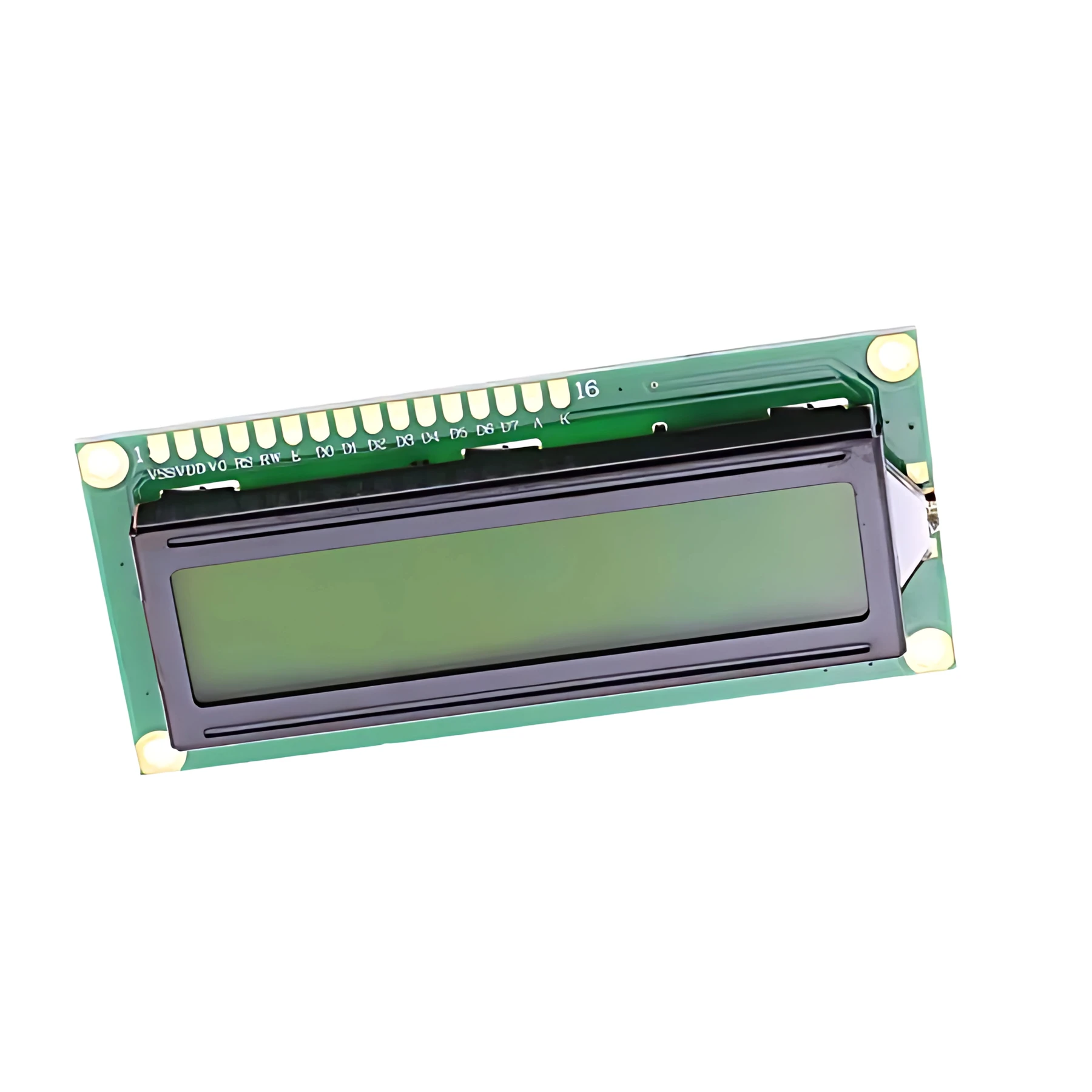
Features
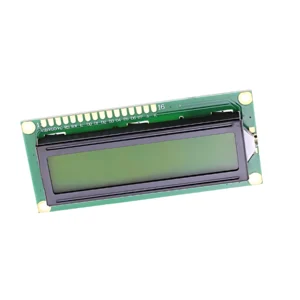
Display Screen is available from YOUVSKEY. Review its features, technical details and handling guidance below to check suitability for your application.
- The display screen acts as your printer's voice.
- Designed with the operator in mind, the interface allows for quick navigation through complex settings.
- Vibrant Backlighting: Optimized for bright workshops, ensuring the screen is readable from multiple angles.
- Plug-and-Play Compatibility: Features standard ribbon cable or pin connectors for easy installation on most A3 and large-format DTF control boards.
- Low Power Consumption: Efficient LED technology minimizes energy draw while maximizing brightness.
- Touch Sensitivity (Optional): Available in both button-controlled and high-sensitivity touch versions for modern retrofits.
- In a professional printing environment, a flickering or faded Display Screen is much more than a minor inconvenience; it represents a significant production risk.
Specifications
| Product | Display Screen |
|---|---|
| Brand | PRINTIUM |
| SKU | SP-P604-0018 |
| Screen Type | High-Definition LCD / OLED |
| Interface | Standard Control Board Connector |
| Durability | Dust and Heat Resistant |
| Compatibility | Most Universal DTF Mainboards |
| Visibility | Wide-Angle Viewing with LED Backlight |
| Plug-and-Play Compatibility | Features standard ribbon cable or pin connectors for easy installation on most A3 and large-format DTF control boards. |
| Low Power Consumption | Efficient LED technology minimizes energy draw while maximizing brightness. |
Instructions
General handling guidance
- Check the exact model, dimensions and connection or mounting requirements against your equipment before use.
- Use the equipment manufacturer’s service manual for installation. Electrical, printhead and internal mechanical work should be carried out by a qualified technician.
- Switch off and isolate the equipment from its power supply before servicing; allow hot components to cool.
- Inspect the replacement part and preserve the original cable, tube and connector orientation. Do not force fittings or substitute an unverified electrical rating.
- After installation, follow the equipment manual’s inspection and test procedure before returning the machine to production.
Reviews
There are no reviews yet.