
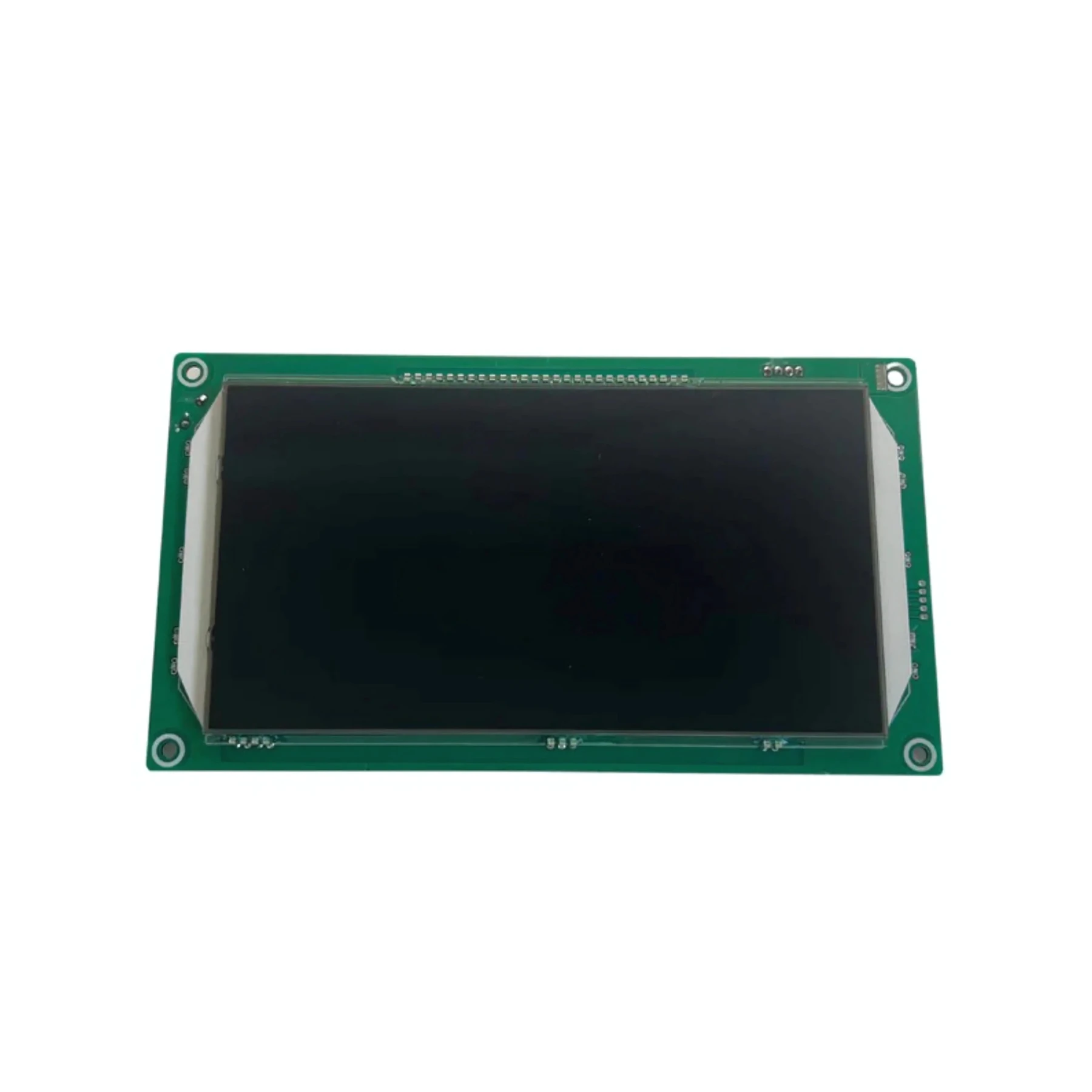
Features
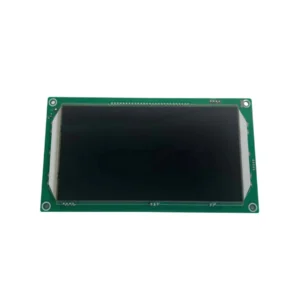
LCD Touch Screen is available from YOUVSKEY. Review its features, technical details and handling guidance below to check suitability for your application.
- Looking for a high-performance LCD Touch Screen for your device?
- An LCD (Liquid Crystal Display) Touch Screen is a display screen that combines liquid crystal technology with touch-sensitive capabilities.
- High-Resolution Display: Our boasts sharp, vibrant images with high resolution, offering an exceptional viewing experience for your users.
- Responsive Touch Technology: Featuring advanced capacitive or resistive touch technology, the screen responds instantly to touch inputs.
- Wide Viewing Angles: The is engineered for wide-angle visibility, ensuring that the display remains sharp and clear from different angles.
- Durability and Longevity: Designed for long-term use, this is built with robust materials that withstand heavy usage.
- Low Power Consumption: With energy-efficient technology, the minimizes power usage while maintaining high-quality display performance.
- Customizable Sizes: Available in various sizes to fit different applications, the can be tailored to meet the needs of your project, from small handheld devices to large interactive panels.
Specifications
| Product | LCD Touch Screen |
|---|---|
| Brand | PRINTIUM |
| SKU | SP-P6501-018 |
| High-Resolution Display | Our boasts sharp, vibrant images with high resolution, offering an exceptional viewing experience for your users. From intricate designs to high-definition video playback, this screen ensures crystal-clear visuals. |
| Low Power Consumption | With energy-efficient technology, the minimizes power usage while maintaining high-quality display performance. This makes it ideal for battery-powered devices or applications where power efficiency is essential. |
| Customizable Sizes | Available in various sizes to fit different applications, the can be tailored to meet the needs of your project, from small handheld devices to large interactive panels. |
Instructions
General handling guidance
- Check the exact model, dimensions and connection or mounting requirements against your equipment before use.
- Use the equipment manufacturer’s service manual for installation. Electrical, printhead and internal mechanical work should be carried out by a qualified technician.
- Switch off and isolate the equipment from its power supply before servicing; allow hot components to cool.
- Inspect the replacement part and preserve the original cable, tube and connector orientation. Do not force fittings or substitute an unverified electrical rating.
- After installation, follow the equipment manual’s inspection and test procedure before returning the machine to production.
Reviews
There are no reviews yet.