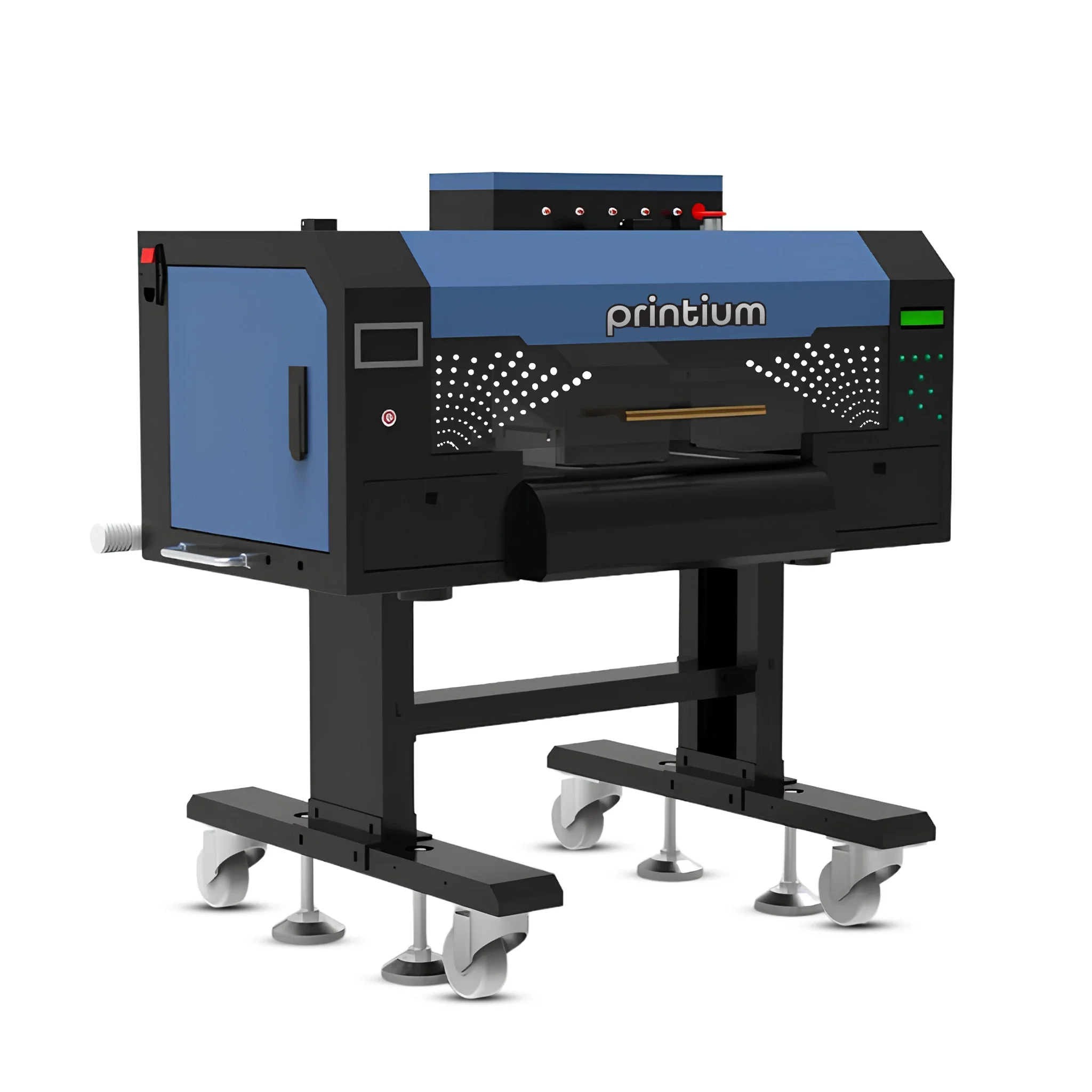
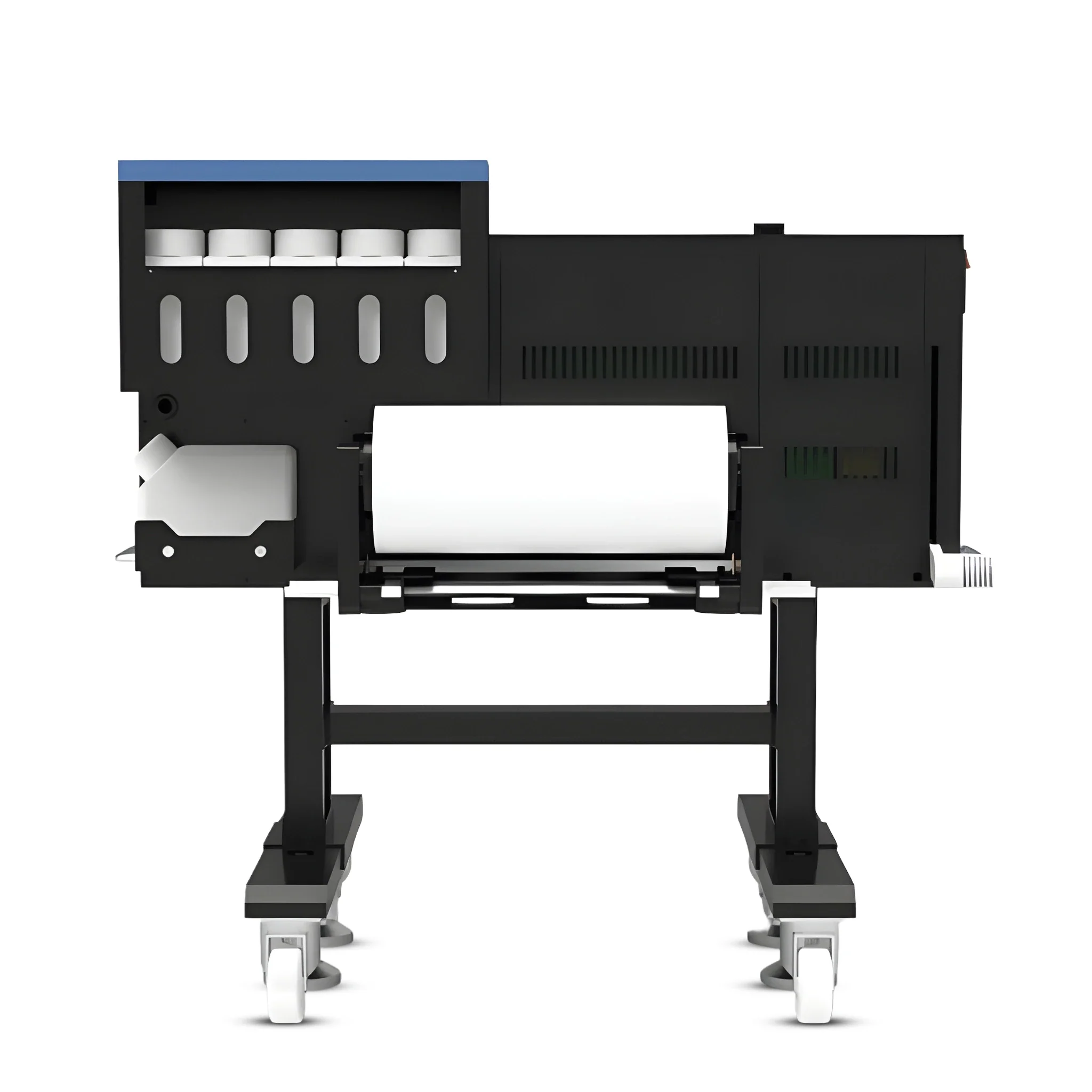
P200 – 13″ 2 Head DTF Printer

$8,499.99

Build your direct-to-film apparel workflow around the equipment specifications below. Match the printer to your available workspace, production requirements and compatible supplies.

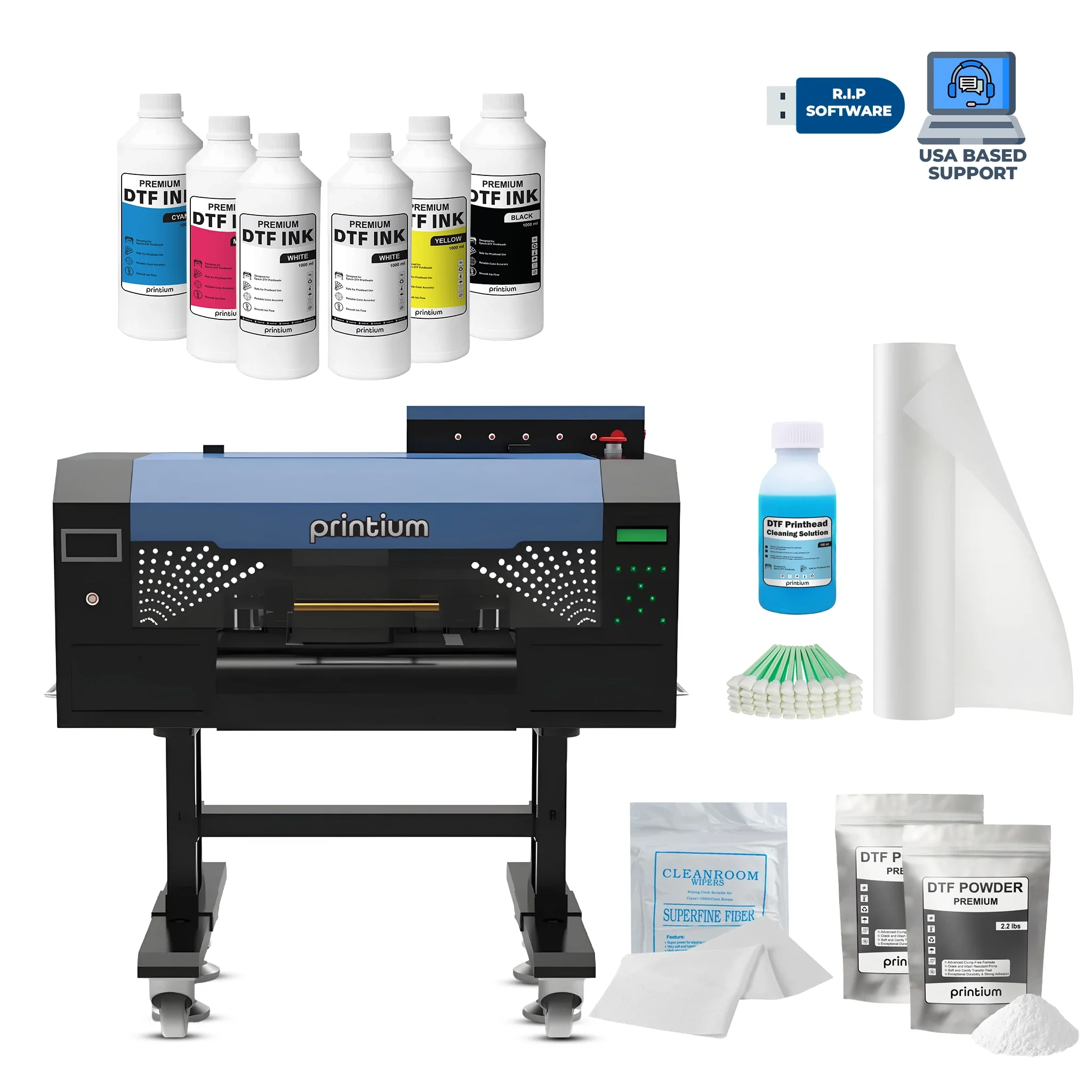
What’s included

  • Printium P200 13″ 2-Head DTF Printer
  • RIP software for PC

Availability: 100 in stock

- +
SKU PR-P200-DTFP Category Brand:

P200 – 13″ 2 Head DTF Printer is available from YOUVSKEY. Review its features, technical details and handling guidance below to check suitability for your application.

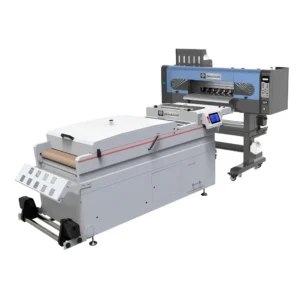
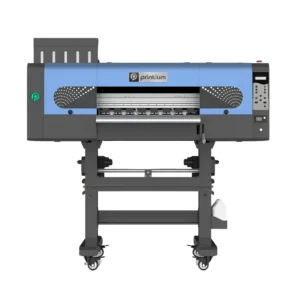
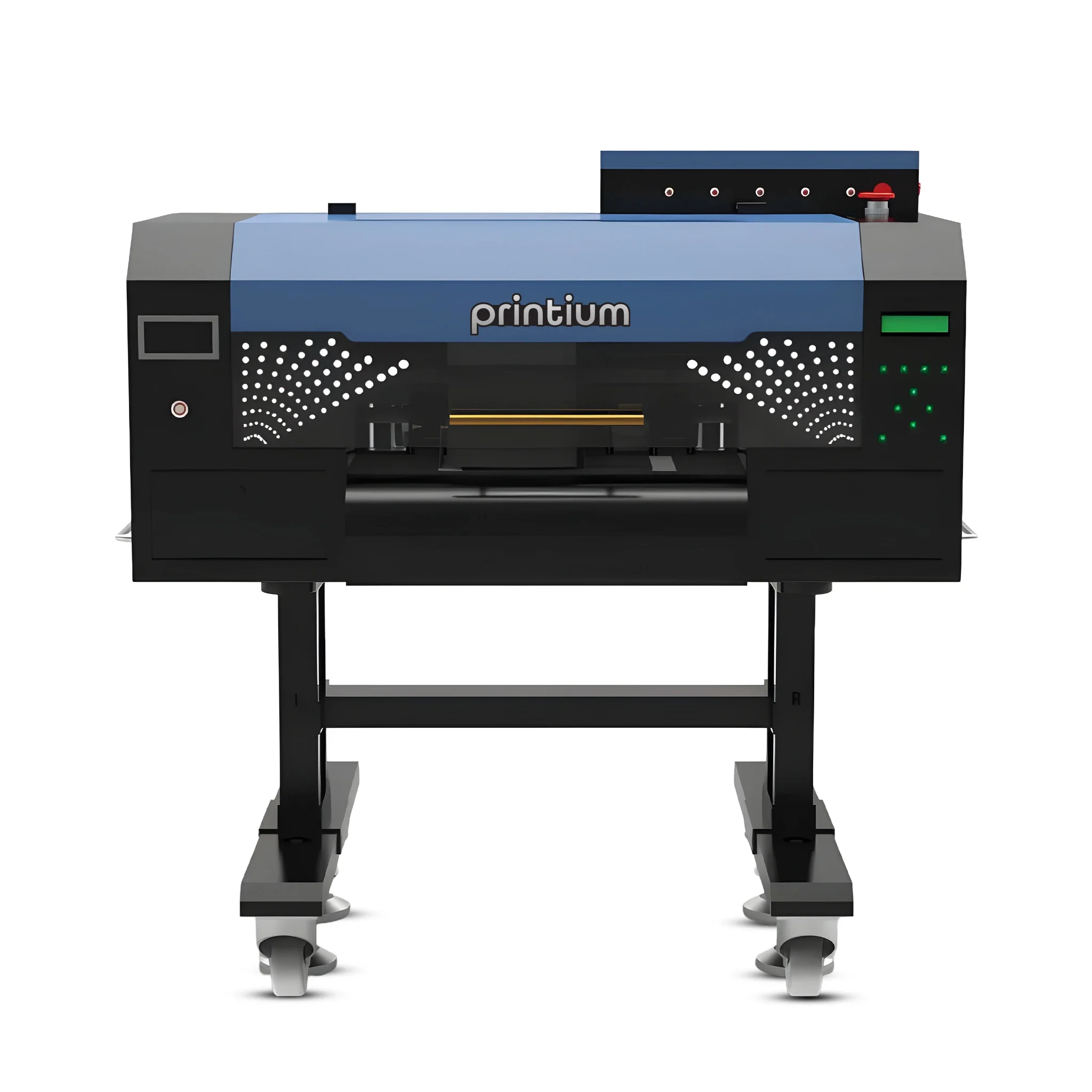
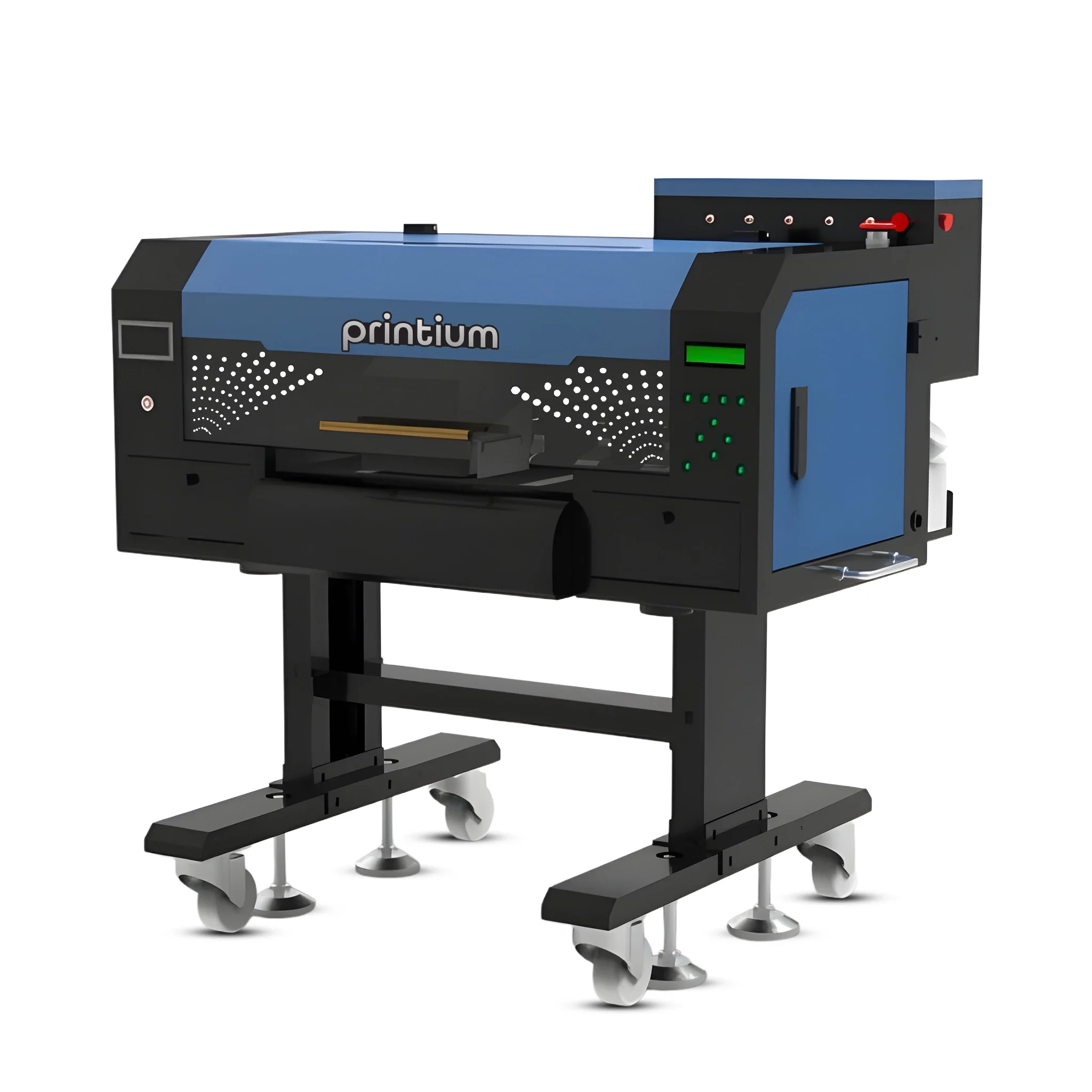
  • Dual Printhead System: Features two high-precision heads for simultaneous CMYK and White ink printing.
  • White Ink Circulation: Automatic system to prevent pigment settling and nozzle clogs.
  • Heating System: Integrated front and rear digital heating panels for optimal ink absorption.
  • Compact Footprint: Sleek design that easily fits on a standard office desk or worktable.
Product P200 – 13″ 2 Head DTF Printer
Brand PRINTIUM
SKU PR-P200-DTFP
Model Printium P200 13″ 2-Head DTF Printer
Product Dimensions Length: 33 inches, Width: 28 inches, Height: 34 inches
Product Weight 200 lbs
Package Dimensions Length: 36 inches, Width: 28 inches, Height: 24 inches
Package Weight 230 lbs
Voltage 110V(+5%), 50Hz/60Hz
Printhead Epson I1600-A1, 2 pcs
Media Type PET Film
RIP Software Maintop and FlexiPRINT
Supported OS Windows 8 or newer
Computer Specs Intel Core i5 11th Gen or higher / AMD Ryzen 5 5000 series or higher, 16GB RAM or more, 512GB SSD or larger
Operating Temperature 70°F – 90°F (20°C – 30°C)
Operating Humidity 45% – 65%
  1. Get Professional Help: If needed, seek professional assistance for installation to ensure proper setup.
  2. Unpack with Caution: Be cautious during unpackaging, as the printer is heavy. It’s recommended to have at least two people for safe handling.
  3. Follow Installation Guide: Refer to the provided installation guide and documentation from the seller or technical service for a smooth setup process.
  4. Check Operating Area: Ensure the printer is placed in an area with the correct temperature (70°F – 90°F) and humidity (45% – 65%) to maintain optimal performance. Ensure adequate ventilation to manage potential fumes.
  5. Connect Printer and Software: Install the RIP software on a compatible computer and connect the printer to the system.
  6. Load Media Correctly: Carefully load the PET film and adjust the media guides for proper alignment.
  7. Test Print: Run a test print to ensure everything is functioning correctly before starting full production.
  8. Regular Maintenance: Clean the printheads regularly and check ink levels to ensure smooth operation.

Use these product-specific notes together with the supplied equipment manual and product label. Confirm compatibility and perform a small test before production.

Weight 108.862 kg

Reviews

There are no reviews yet.

Only logged in customers who have purchased this product may leave a review.

You may also like…

P200 - 13" 2 Head DTF PrinterP200 – 13″ 2 Head DTF Printer
$8,499.99

Availability: 100 in stock

- +
Scroll to Top