
Features
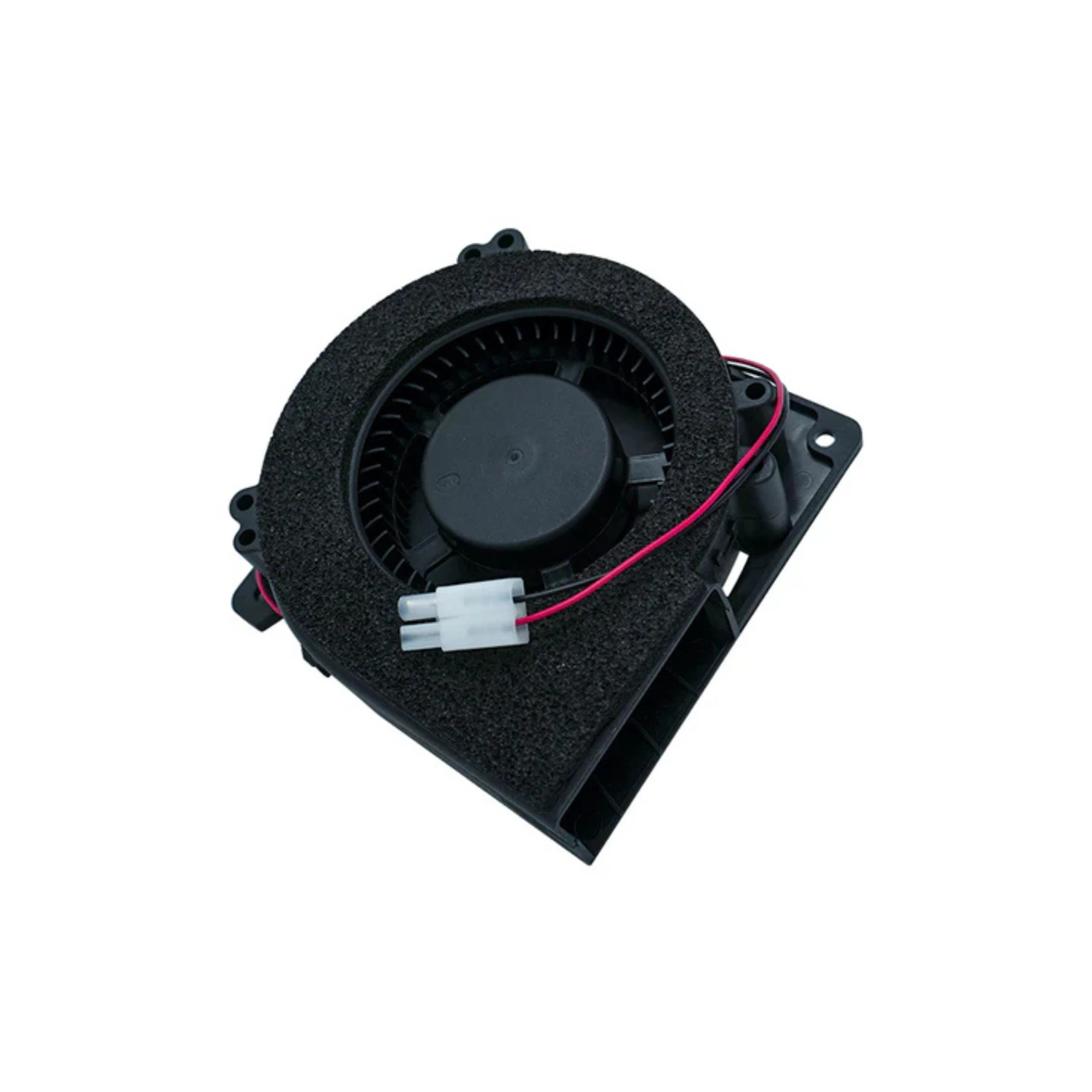
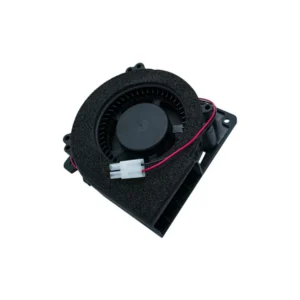
Printer Fan is available from YOUVSKEY. Review its features, technical details and handling guidance below to check suitability for your application.
- Printer FanReliable Heat Management for DTF, UV, and Sublimation Printers
- Whether you're operating in a small studio or a large-scale print shop, the printer fan plays a vital role in maintaining stable temperatures, reducing the risk of overheating, and protecting delicate electronics such as printheads and mainboards.
- Voltage: 12V / 24V DC (depending on model)
- Airflow: 30–50 CFM (model-dependent)
- Noise Level: Low Noise – 25–40 dB
- Material: ABS plastic body with metal blades or composite fans
- Connector Type: 2-pin power connector
- Compatibility: DTF Printers, UV DTF Printers, Sublimation Machines, Inkjet Systems
Specifications
| Product | Printer Fan |
|---|---|
| Brand | PRINTIUM |
| SKU | SP-P604D-010 |
| Voltage | 12V / 24V DC (depending on model) |
| Material | ABS plastic body with metal blades or composite fans |
| Connector Type | 2-pin power connector |
| Compatibility | DTF Printers, UV DTF Printers, Sublimation Machines, Inkjet Systems |
Instructions
General handling guidance
- Check the exact model, dimensions and connection or mounting requirements against your equipment before use.
- Use the equipment manufacturer’s service manual for installation. Electrical, printhead and internal mechanical work should be carried out by a qualified technician.
- Switch off and isolate the equipment from its power supply before servicing; allow hot components to cool.
- Inspect the replacement part and preserve the original cable, tube and connector orientation. Do not force fittings or substitute an unverified electrical rating.
- After installation, follow the equipment manual’s inspection and test procedure before returning the machine to production.
Reviews
There are no reviews yet.