
Features
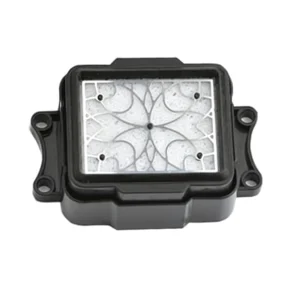
Epson I3200 Printhead Capping Station – Butterfly is available from YOUVSKEY. Review its features, technical details and handling guidance below to check suitability for your application.
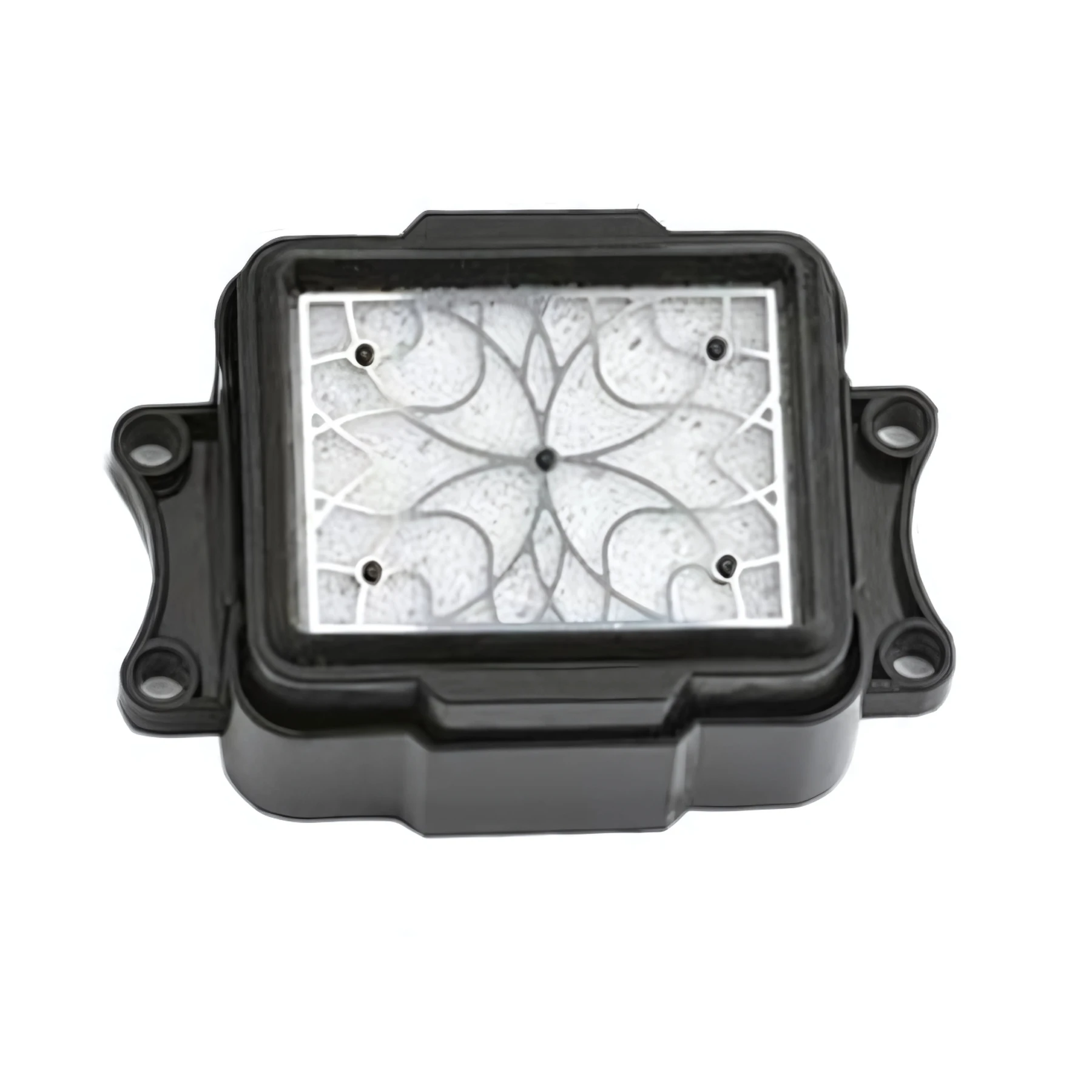
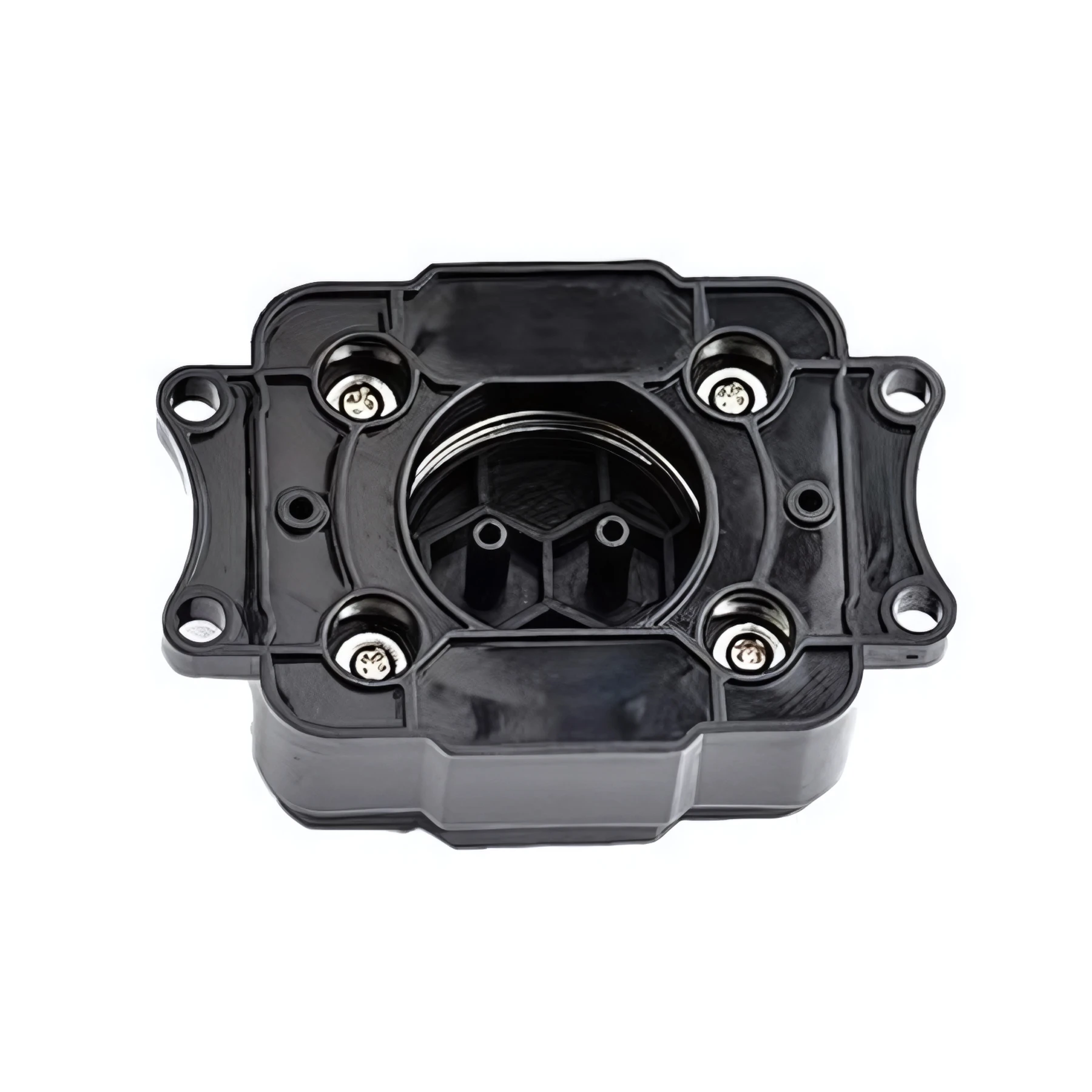
- Designed specifically for the i3200 series, the Butterfly design features a unique internal structure.
- The capping station is often called the "parking lot" of the printer.
- DTF inks are water-based and contain binders that dry quickly when exposed to air.
- This Epson i3200 Capping Station stands out due to its material quality and precision molding.
- The "Butterfly" seal is made from a high-grade, flexible polymer.
- Inside the Butterfly cap is a microscopic stainless steel or polymer mesh.
- The Butterfly capping station is designed to work with your printer’s lifting mechanism.
- Even the best capping station requires regular care to protect your printhead.
Specifications
| Product | Epson I3200 Printhead Capping Station – Butterfly |
|---|---|
| Brand | EPSON |
| SKU | SP-P604-0011 |
| Model Compatibility | Epson i3200-A1 / E1 / U1 |
| Design Type | Butterfly (High-Efficiency Suction) |
| Material | Solvent-Resistant Silicone Polymer |
| Filter Type | Integrated Anti-Clog Mesh |
| Function | Nozzle Sealing & Vacuum Cleaning |
| Durability | High-Resilience Industrial Grade |
Instructions
- Even the best capping station requires regular care to protect your printhead.
- The "Water Test": Occasionally, pour a small amount of cleaning fluid into the cap while the printer is off. If the fluid drains away immediately, your lines are clear. If it sits there, you have a blockage in the waste tubes.
- Replace Regularly: Capping stations are consumables. The rubber eventually loses its elasticity. For high-volume shops, we recommend replacing the capping station every 3 to 6 months to avoid expensive printhead failures.
- Clean the Wiper Blade: The capping station works in tandem with the wiper blade. If the wiper is dirty, it will transfer gunk to the capping station. Clean both simultaneously.
Use these product-specific notes together with the supplied equipment manual and product label. Confirm compatibility and perform a small test before production.

Reviews
There are no reviews yet.