
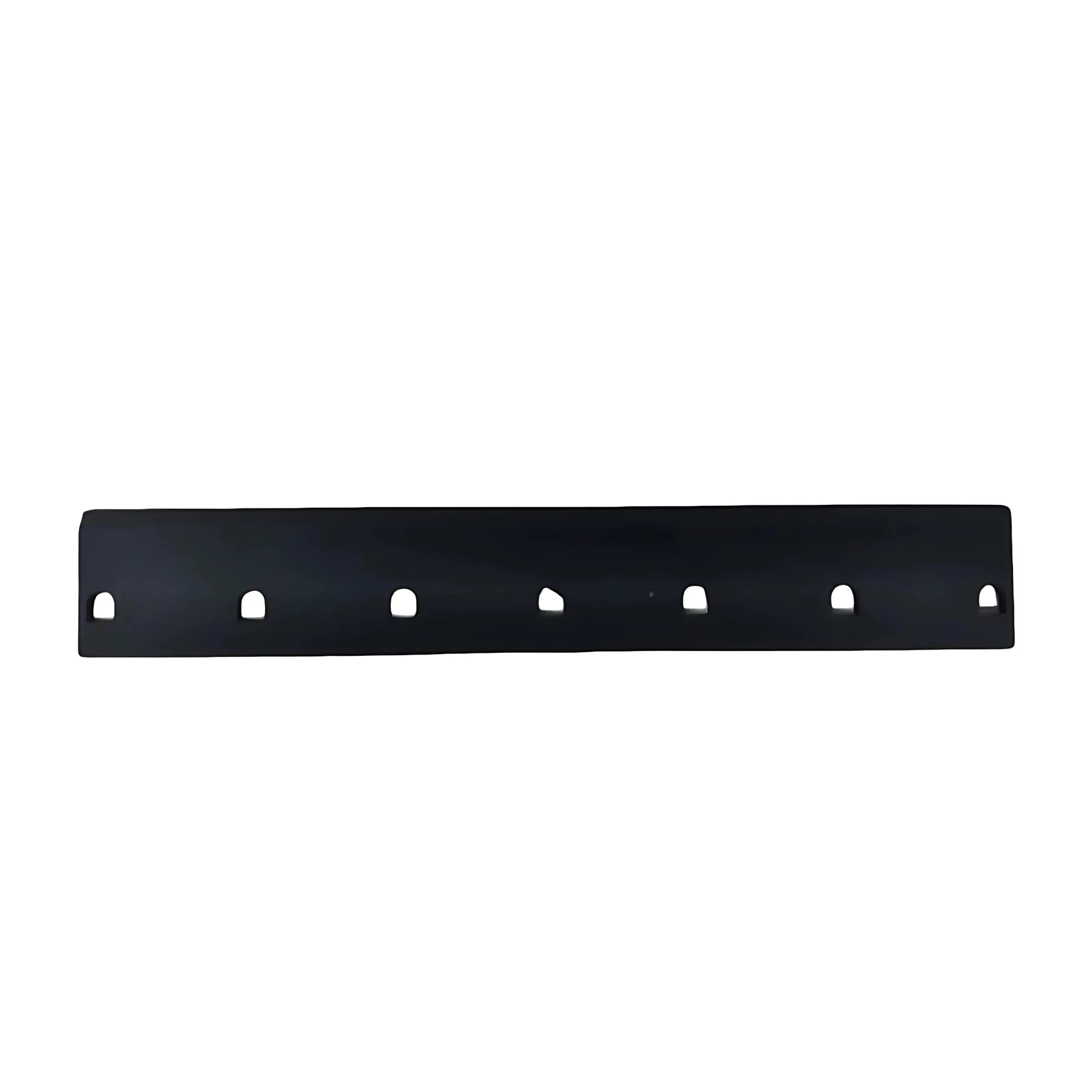
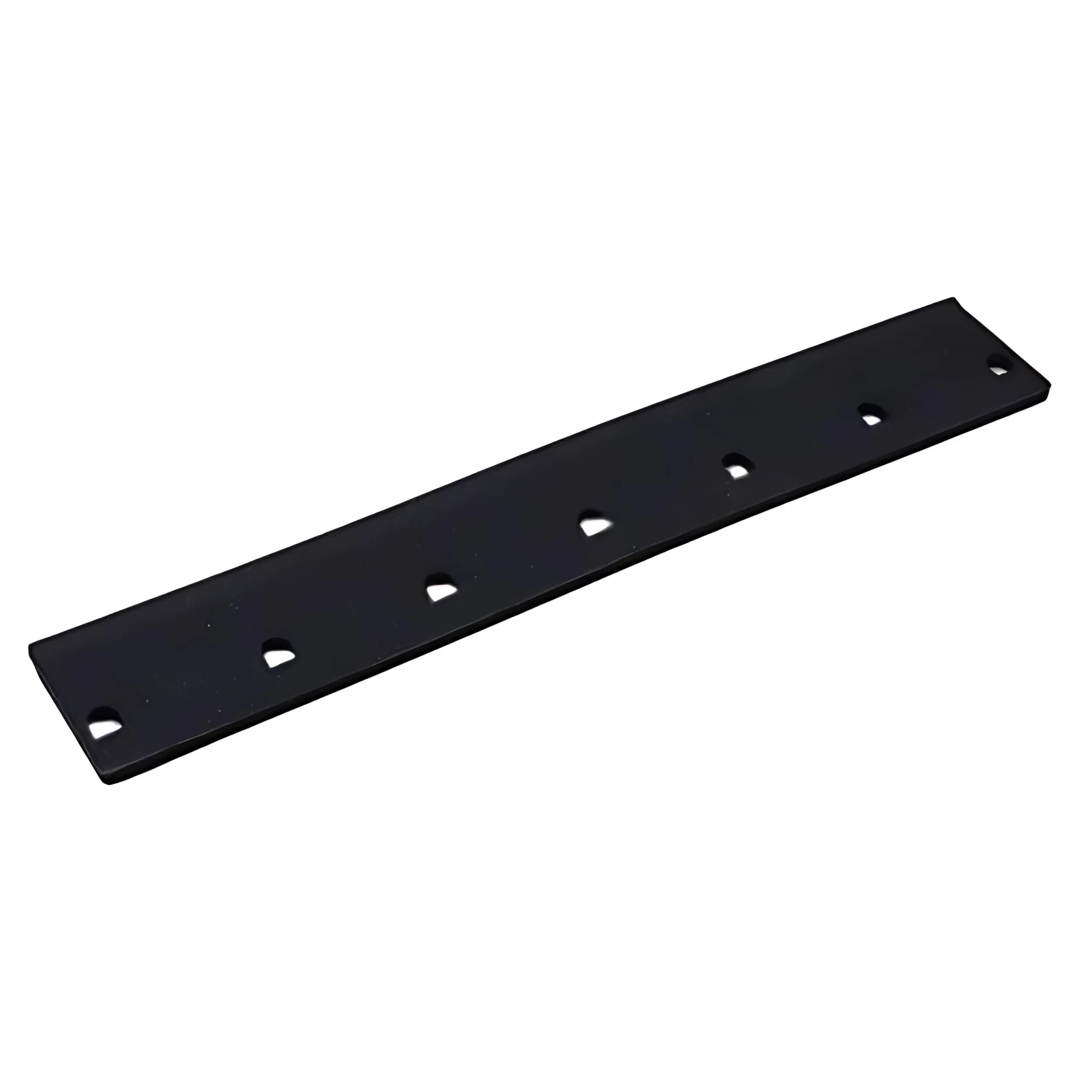
Features
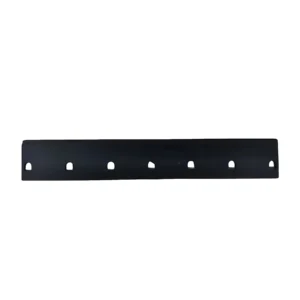
Wiper Blade for Epson I3200 is available from YOUVSKEY. Review its features, technical details and handling guidance below to check suitability for your application.
- Over time, exposure to UV inks and cleaning solvents can cause inferior blades to swell or harden.
- If you notice "ghosting" or inconsistent colors, your wiper blade may be the culprit.
- Resistance to "swelling" is particularly important for UV printing.
- The Epson I3200 is an indispensable part of your printer’s health.
Specifications
| Product | Wiper Blade for Epson I3200 |
|---|---|
| Brand | PRINTIUM |
| SKU | SP-P604-0015 |
| Product type | Parts & Accessories |
Instructions
General handling guidance
- Check the exact model, dimensions and connection or mounting requirements against your equipment before use.
- Use the equipment manufacturer’s service manual for installation. Electrical, printhead and internal mechanical work should be carried out by a qualified technician.
- Switch off and isolate the equipment from its power supply before servicing; allow hot components to cool.
- Inspect the replacement part and preserve the original cable, tube and connector orientation. Do not force fittings or substitute an unverified electrical rating.
- After installation, follow the equipment manual’s inspection and test procedure before returning the machine to production.
Reviews
There are no reviews yet.