
Features
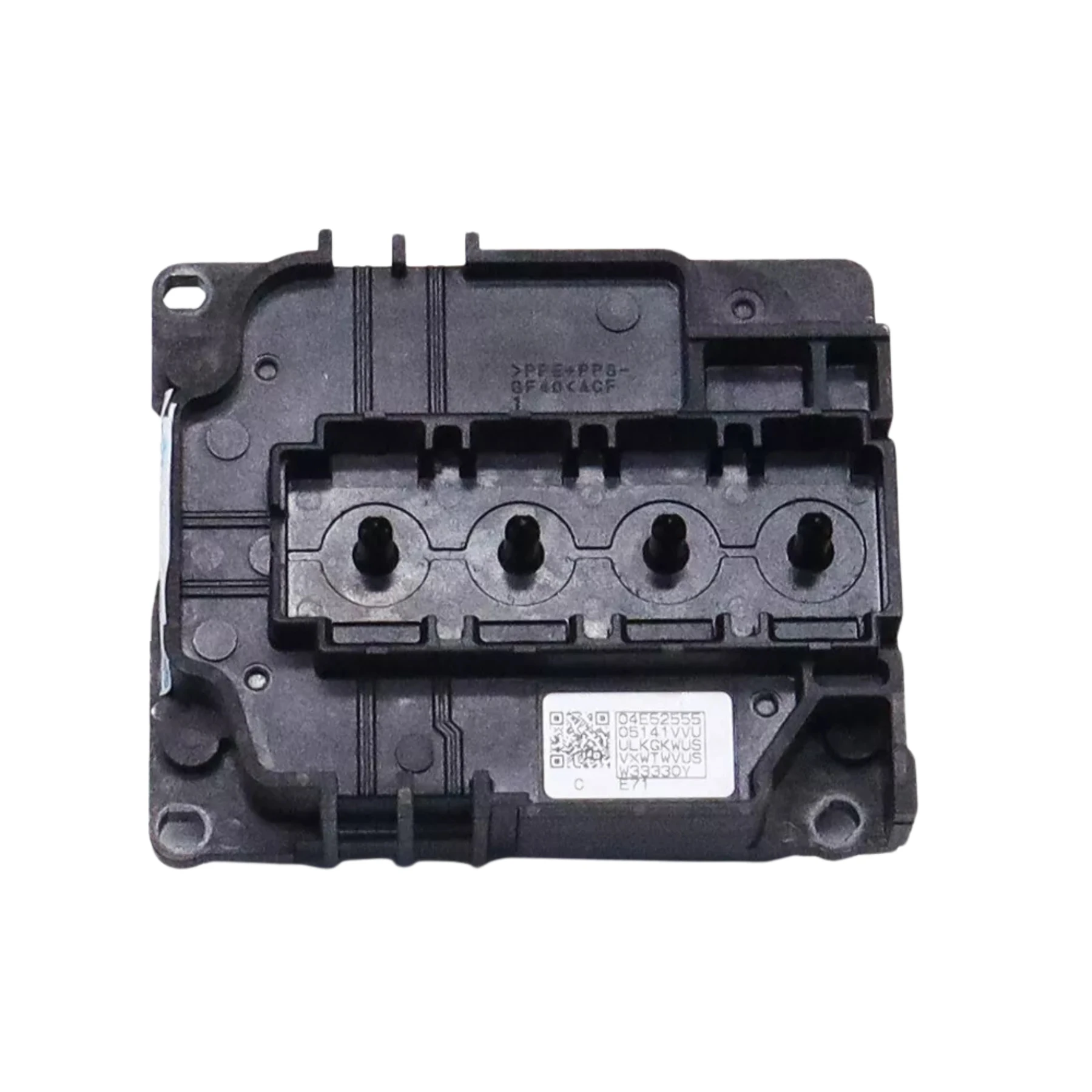
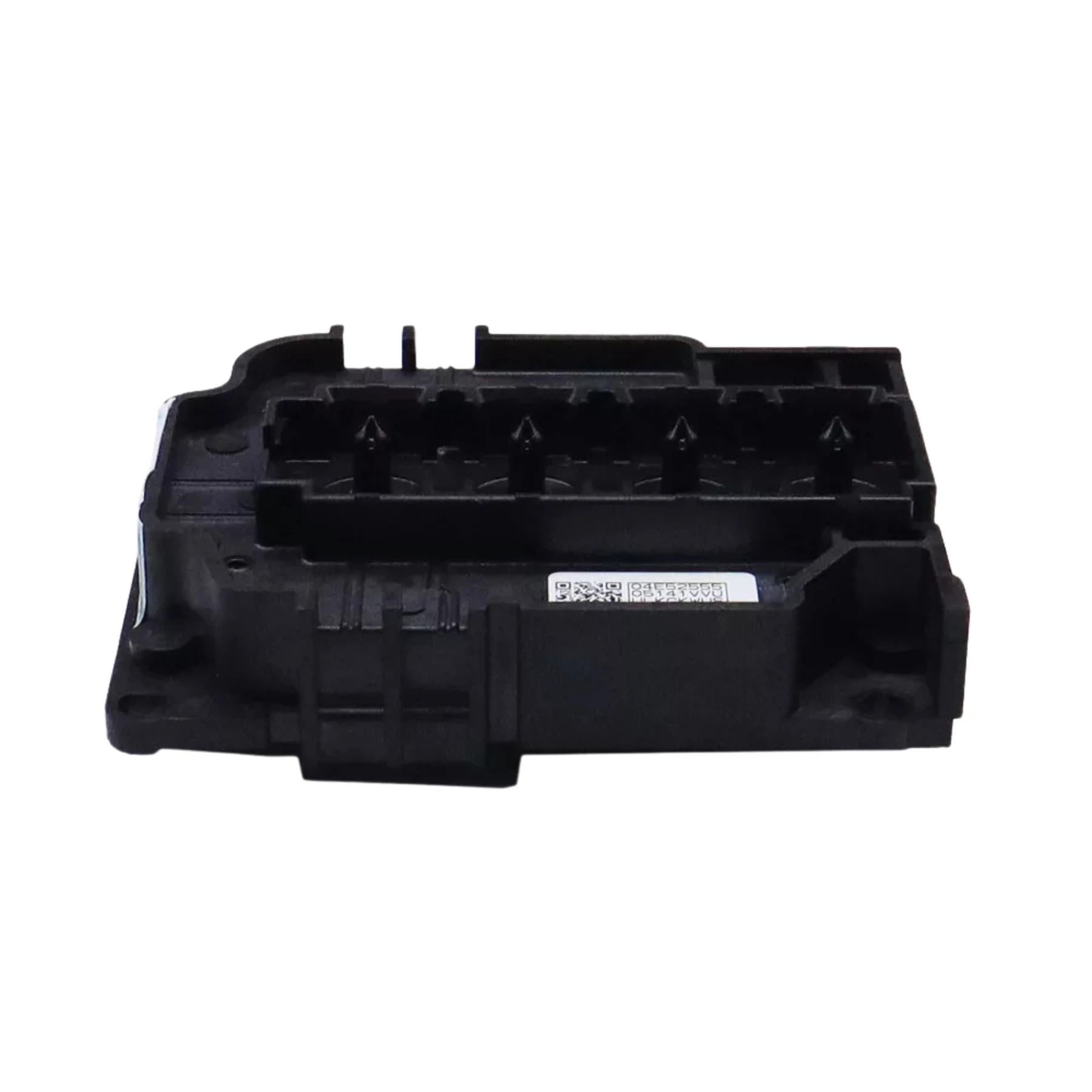
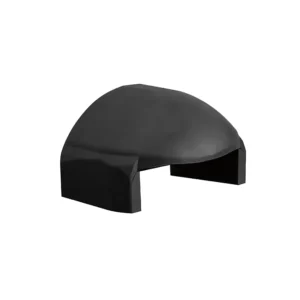
Epson I3200 Printhead Cover is available from YOUVSKEY. Review its features, technical details and handling guidance below to check suitability for your application.
- The Epson I3200 Printhead Cover is a vital accessory for maintaining the performance and longevity of your Epson I3200 printer.
- Whether you operate a small printing business, custom apparel workshop, or a high-volume production facility, this cover provides reliability and peace of mind by safeguarding one of your printer’s most critical parts.
- Printhead covers are essential for protecting delicate printer components.
- Dust and Debris Protection: Prevents particles from settling on the printhead, which can cause streaks or clogged nozzles.
- Prevents Ink Drying: Maintains optimal moisture levels to keep the printhead ready for use.
- Consistent Print Quality: Ensures each print is sharp, vibrant, and uniform.
- Long-Term Cost Savings: Protecting your printhead reduces repair or replacement expenses.
- A reliable printhead cover is a small investment that pays off by maintaining the efficiency and quality of your printing operations.
Specifications
| Product | Epson I3200 Printhead Cover |
|---|---|
| Brand | EPSON |
| SKU | SP-P604D-002 |
| Durable Material | High-quality construction ensures long-lasting use. |
| Lightweight Design | Adds protection without affecting printer operation. |
| Compatible with Standard Ink Systems | Works seamlessly with the printer’s original setup. |
Instructions
- To maximize the performance and lifespan of the printhead cover:
- Proper Placement: Ensure the cover fits snugly over the printhead without forcing it.
- Regular Cleaning: Wipe the cover to remove dust and debris.
- Avoid Exposure to Heat or Sunlight: Keep the cover away from direct heat sources to prevent warping.
- Check Before Operation: Make sure the cover is properly seated before printing.
- Store Spare Covers Properly: Keep extras in a clean, dry environment to maintain quality.
- Following these practices ensures that the cover continues to provide optimal protection.
Use these product-specific notes together with the supplied equipment manual and product label. Confirm compatibility and perform a small test before production.

Reviews
There are no reviews yet.