

Features
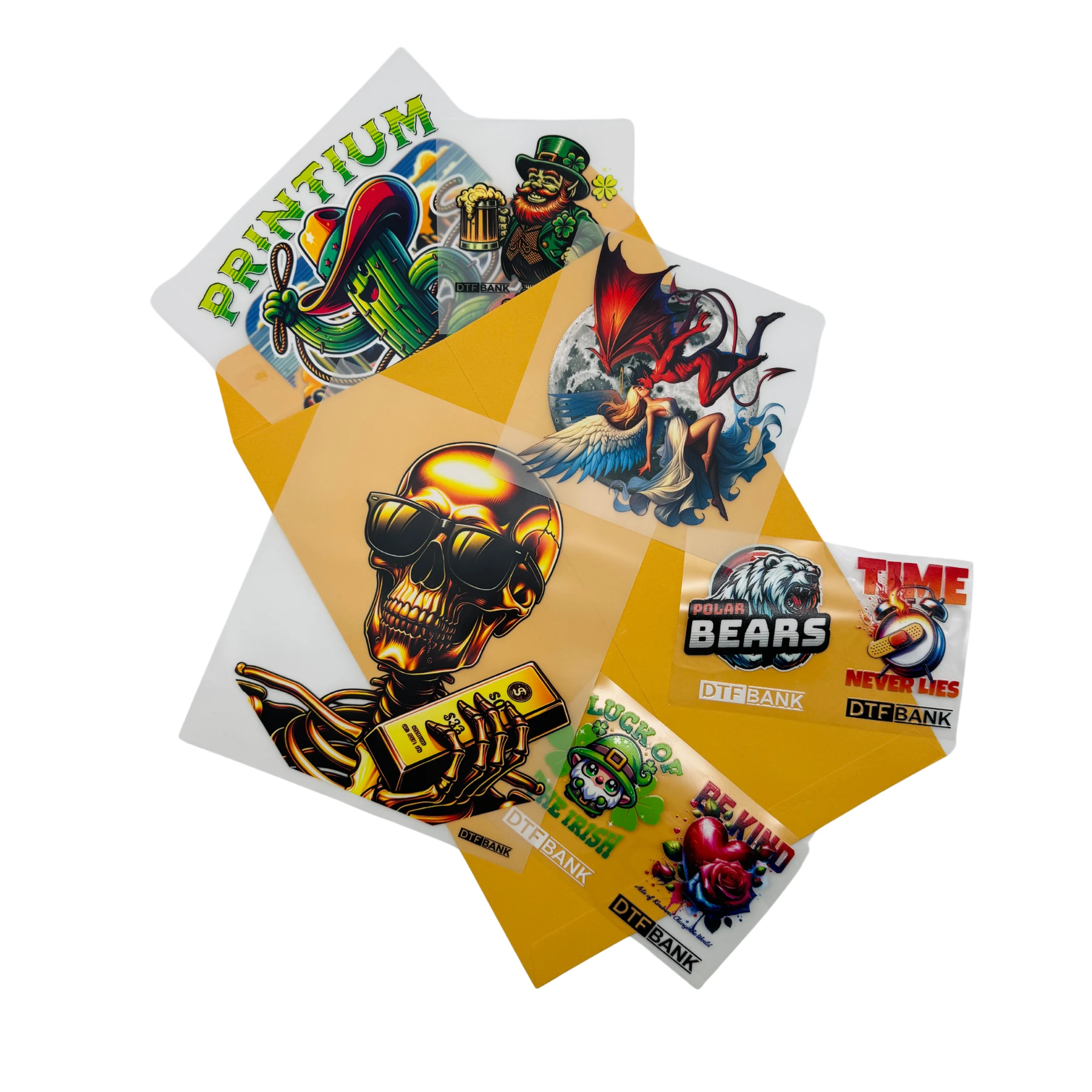
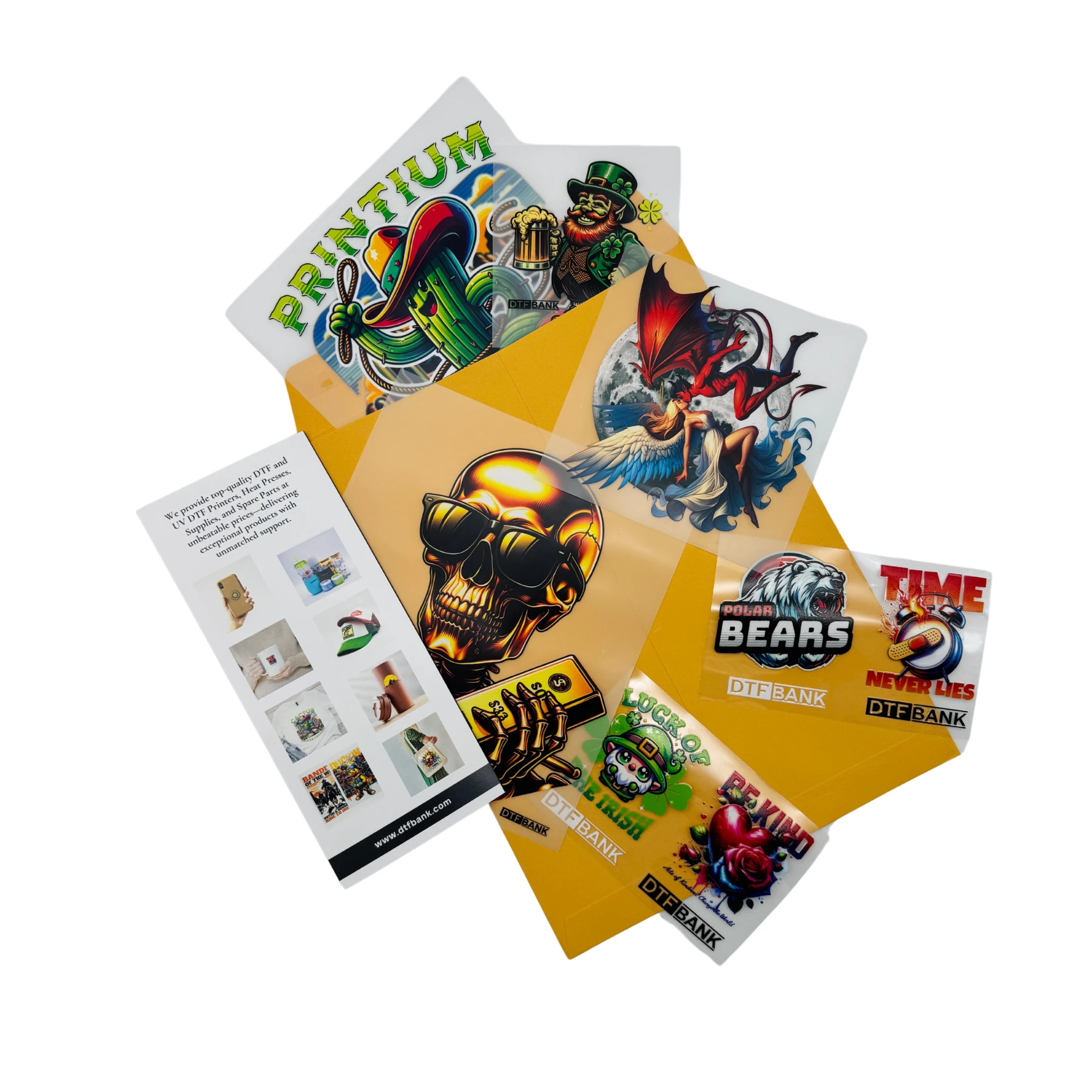
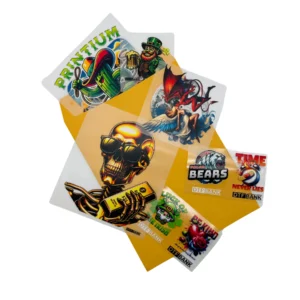
YOUVSKEY Sample Pack is available from YOUVSKEY. Review its features, technical details and handling guidance below to check suitability for your application.
- This kit covers every stage of the transfer process.
- Premium Plus Film Sheets: Experience high ink loads without any bleeding.
- Adhesive TPU Powder: Test the bonding strength and soft-hand feel.
- Glossy & Matte Options: Compare different finishes for your custom apparel.
- Settings Guide: Find recommended temperatures and times for perfect results.
- Testing new supplies is a smart move for any print shop.
- Every DTF printer has unique settings.
- The feel of a garment is vital for customers.
Specifications
| Product | YOUVSKEY Sample Pack |
|---|---|
| Brand | YOUVSKEY |
| Envelope Size | 9” x 12” |
| Specification detail 3 | Includes: |
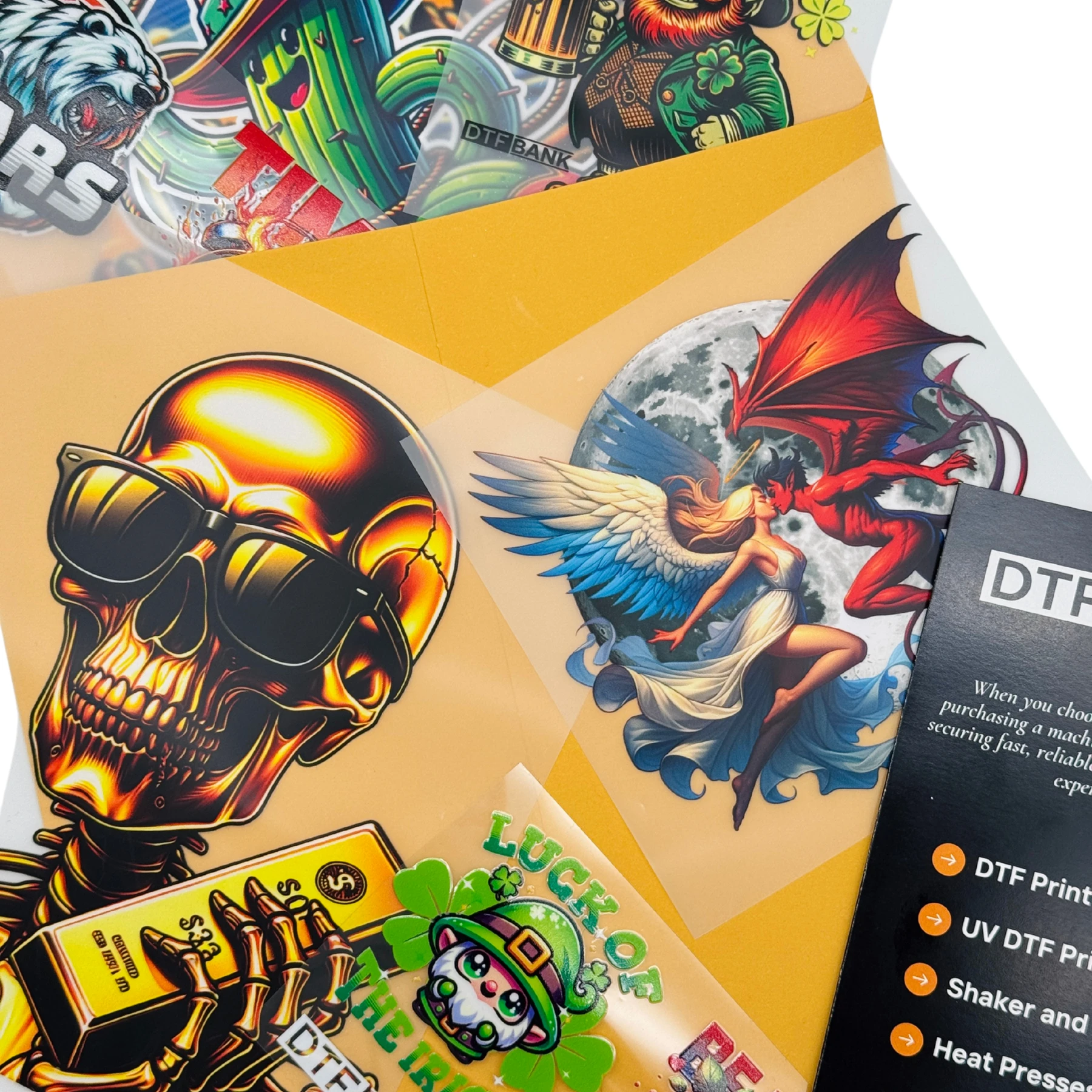
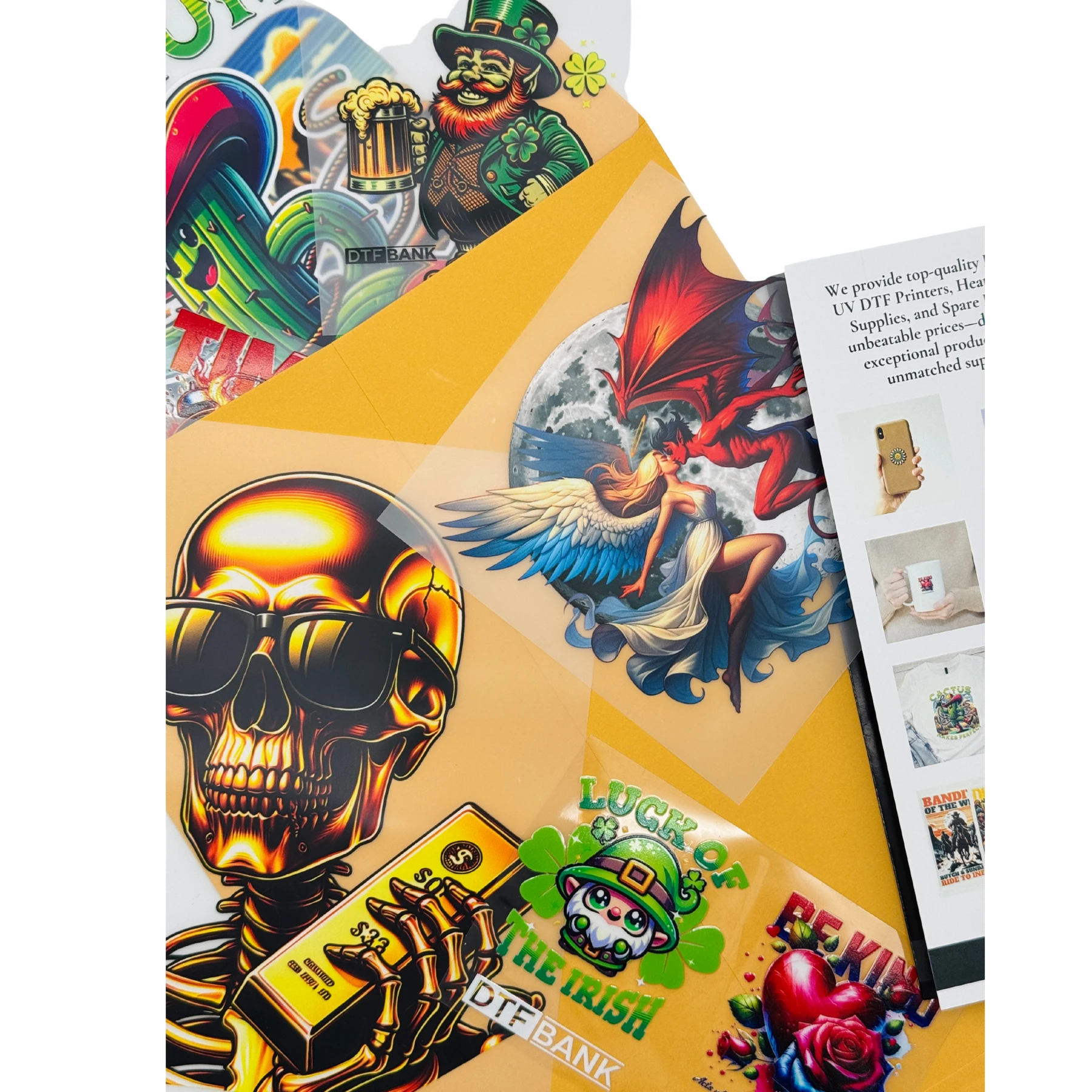
| Note | The designs, sizes, and quantities may vary over time and may not exactly match the product photos. |
Instructions
- For DTF Samples: Follow these general heat press instructions. Always start with mid-range settings and adjust as needed, as different fabric materials may require specific adjustments.
- Temperature Range: 280-320°F (138-160°C)
– Pressing Time: 8-12 seconds
– Pressure: Medium (1.5 MPa – 3 MPa) - For UV DTF Samples:
- Before peeling off the protective film, firmly press down on the back of the design to ensure it fully adheres to the transfer film.
2. Clean the surface where the design will be applied.
3. Carefully separate the transfer film from the protective film and place it onto the surface.
4. Apply firm pressure to the design using a squeegee or your fingers to ensure strong adhesion.
5. Slowly peel off the transfer film from the surface, ensuring the design remains securely in place.
Use these product-specific notes together with the supplied equipment manual and product label. Confirm compatibility and perform a small test before production.
Reviews
There are no reviews yet.