
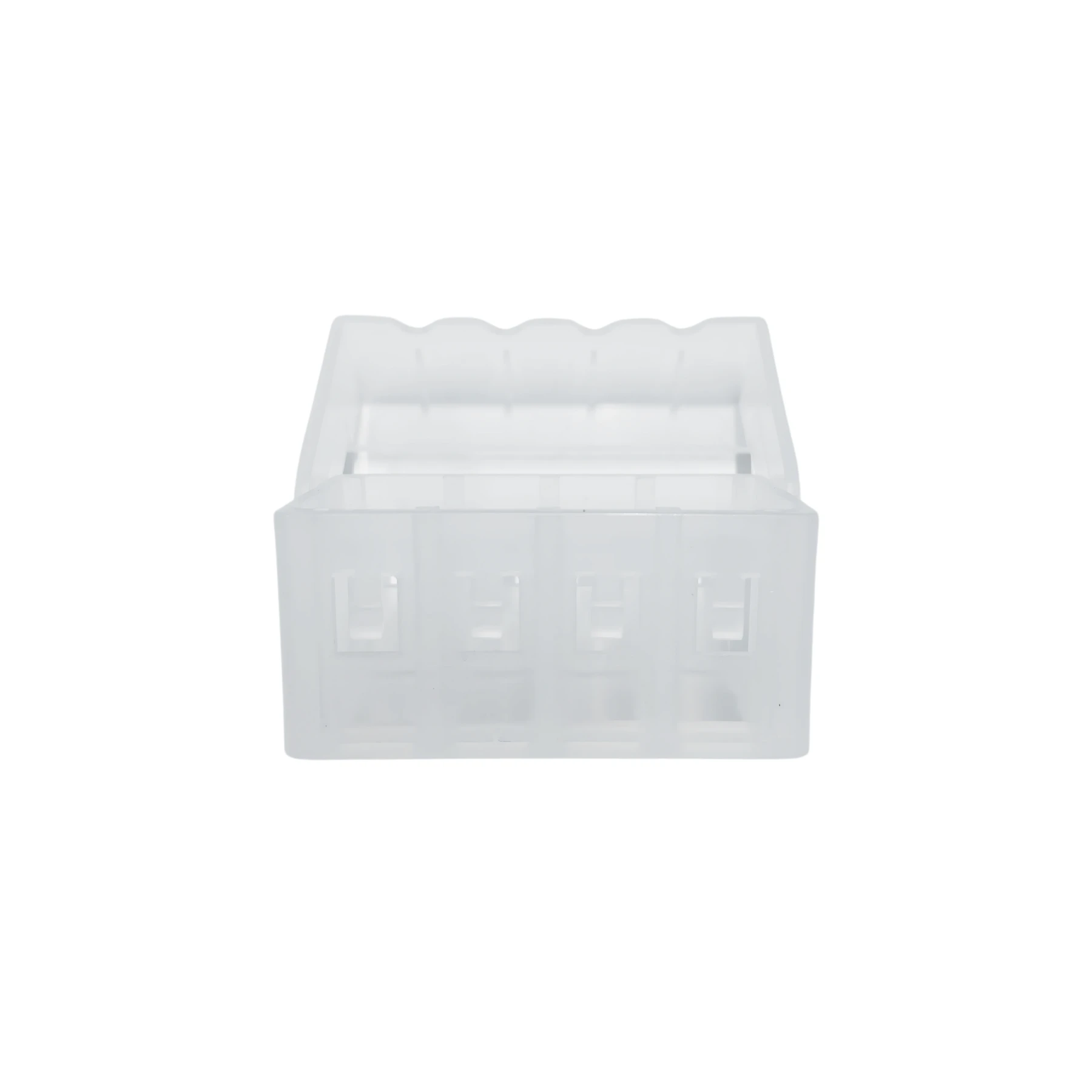
Features
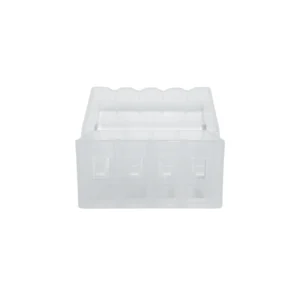
Epson I3200 Damper Holder is available from YOUVSKEY. Review its features, technical details and handling guidance below to check suitability for your application.
- The Epson i3200 Damper Holder is a critical component that often goes overlooked in the complex architecture of a Direct-to-Film (DTF) printer.
- In professional printing, even a micron-level shift in component positioning can lead to catastrophic print failures.
- To understand why the Epson i3200 Damper Holder is so vital, one must look at the mechanics of the printhead carriage.
- Without a dedicated holder, dampers would be free to vibrate or tilt during high-speed passes.
- The intake needles on an Epson i3200 printhead are extremely fragile.
- A messy carriage is a recipe for disaster.
- This holders are manufactured to meet the exact specifications of the original equipment.
- Precision is the core of our design.
Specifications
| Product | Epson I3200 Damper Holder |
|---|---|
| Brand | EPSON |
| SKU | SP-P604D-017 |
| Compatibility | Epson i3200-A1 / E1 / U1 |
| Material | High-Density Solvent-Resistant Polymer |
| Number of Slots | 8 Channels (Standard for i3200) |
| Function | Damper Stabilization & Line Management |
| Weight | Ultra-Lightweight Industrial Grade |
Instructions
- Replacing the Epson i3200 Damper Holder is a straightforward task, but it requires a steady hand.
- Clean the Area: Before removing the old holder, wipe away any stray ink. This prevents debris from falling into the printhead manifold.
- Remove Dampers Carefully: Gently pull the dampers upward. Store them in a lint-free cloth to keep the bottom seals clean.
- Check the Manifold: Once the holder is off, inspect the printhead needles. Ensure they are straight and free of dried ink.
- Align and Screw: Place the new holder over the head. Start the screws by hand to avoid cross-threading. Tighten them firmly but do not over-torque, as this can crack the plastic.
- Reseat Dampers: Push each damper down until you feel it "bottom out" on the needle. The holder should keep them perfectly vertical.
Use these product-specific notes together with the supplied equipment manual and product label. Confirm compatibility and perform a small test before production.

Reviews
There are no reviews yet.