
Features
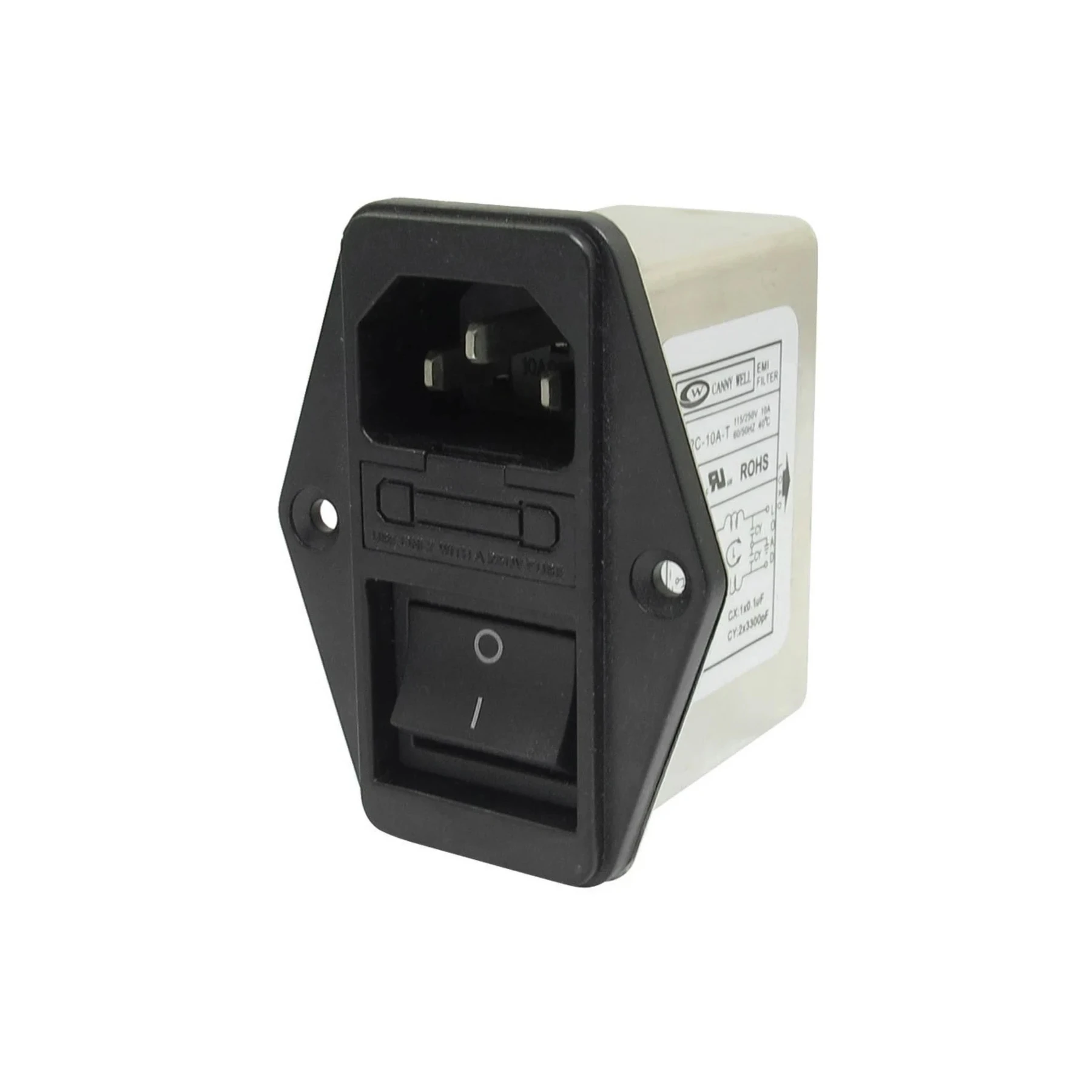
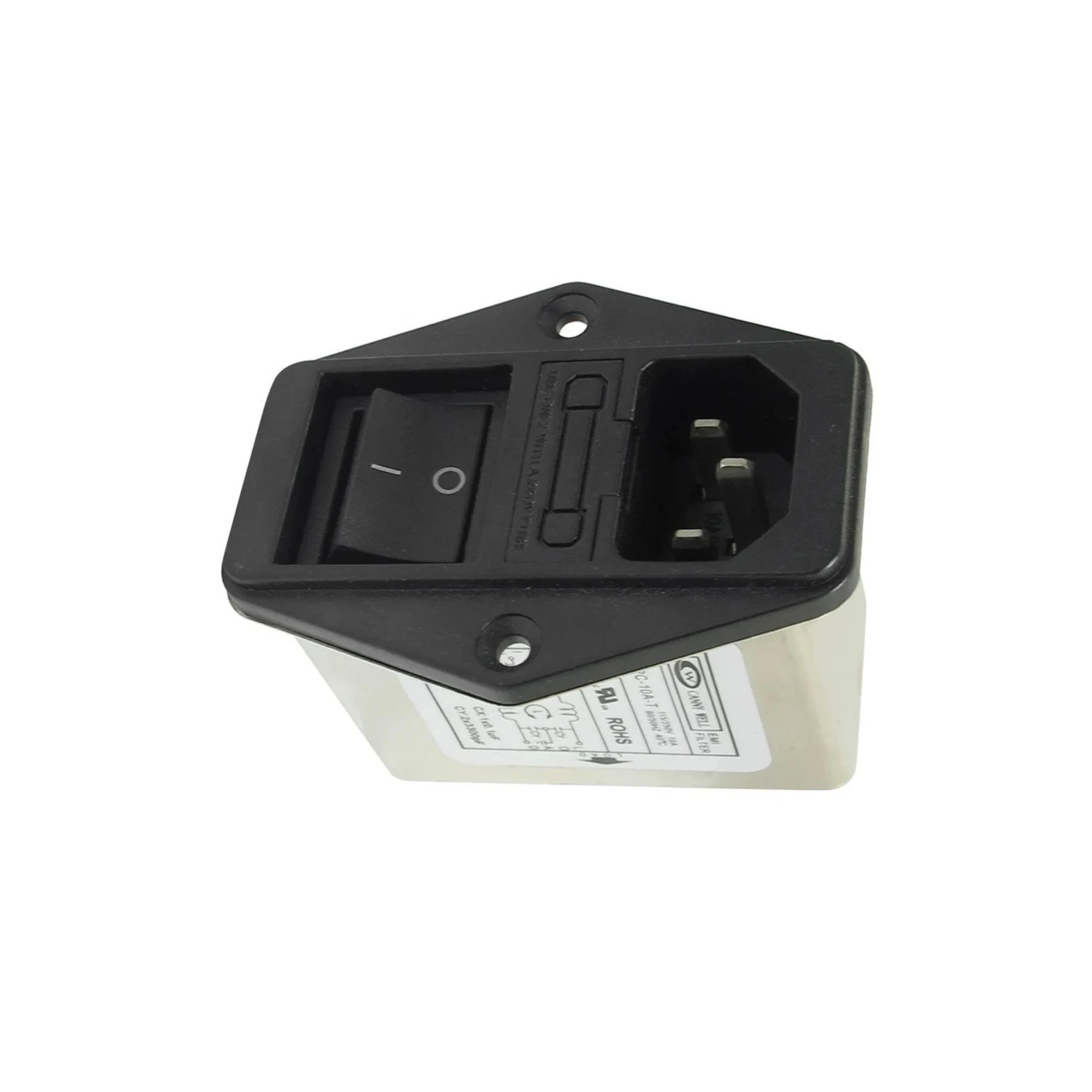
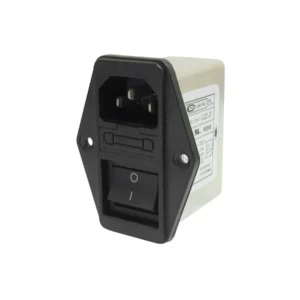
Switched IEC Socket with EMI Filter and Fuse Holder is available from YOUVSKEY. Review its features, technical details and handling guidance below to check suitability for your application.
- Switched IEC Socket with EMI Filter and Fuse Holder: A Reliable Solution for Your Power Needs
- When it comes to ensuring the safety and efficiency of your electrical systems, a Switched IEC Socket with EMI Filter and Fuse Holder is an essential component.
- Integrated EMI Filter: Protects your devices from electromagnetic interference (EMI), ensuring smooth and uninterrupted performance.
- Fuse Holder: Equipped with a fuse holder for added protection, preventing potential damage due to power surges.
- Switched Functionality: Easily control your power supply with an integrated switch, providing convenience and efficiency.
- Durable Construction: Built with high-quality materials to withstand the demands of continuous use, ensuring long-term reliability.
- Universal Compatibility: Works with a wide range of electronic devices, making it versatile for various applications.
- The Power IEC Connector with EMI Filter and Fuse Holder is designed to meet the growing need for secure and efficient power management solutions.
Specifications
| Product | Switched IEC Socket with EMI Filter and Fuse Holder |
|---|---|
| Brand | PRINTIUM |
| SKU | SP-P604-0008 |
| Universal Compatibility | Works with a wide range of electronic devices, making it versatile for various applications. |
| Power On | Use the integrated switch to power the device on or off, ensuring you're only consuming power when necessary. |
Instructions
- Using the Power IEC Connector with EMI Filter and Fuse Holder is straightforward:
- Connect the IEC Cable: Plug the IEC power cable into the socket.
- Fuse Installation: Insert the appropriate fuse size according to the power requirements of your equipment.
- Power On: Use the integrated switch to power the device on or off, ensuring you're only consuming power when necessary.
- By following these simple steps, you can ensure that your devices are properly powered and protected.
Use these product-specific notes together with the supplied equipment manual and product label. Confirm compatibility and perform a small test before production.
Reviews
There are no reviews yet.