
Features
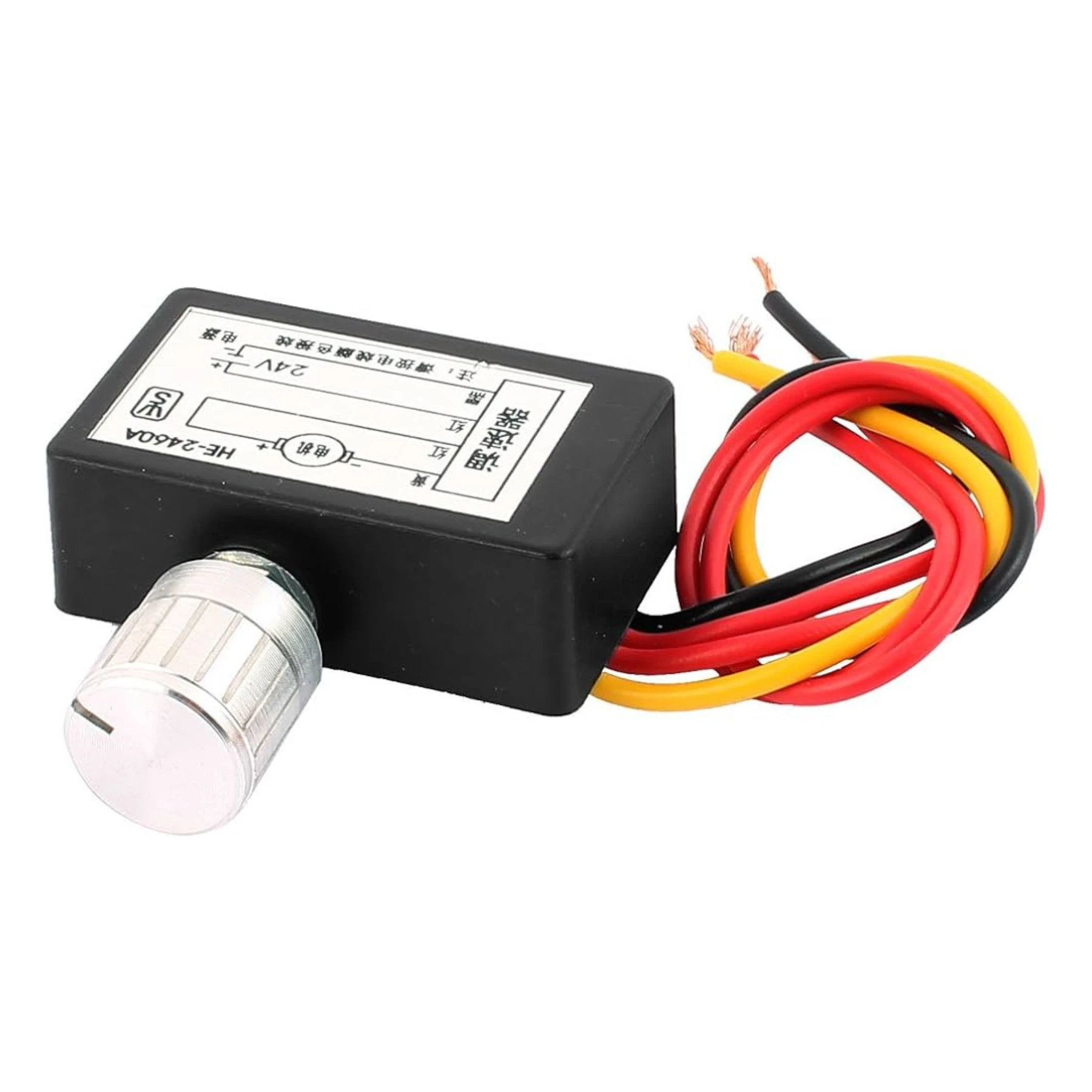
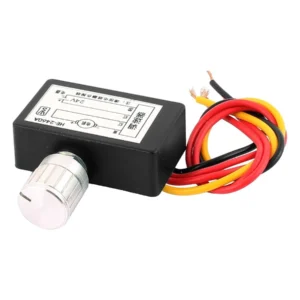
Electronic Fan and Circulation Regulator is available from YOUVSKEY. Review its features, technical details and handling guidance below to check suitability for your application.
- For a printhead to deliver ink accurately, the film must be perfectly flat.
- As ink is deposited onto the film, the surrounding air must be circulated to begin the drying process without causing a "skin" to form too quickly.
- DTF printers generate significant heat, especially near the carriage motors and the pre-heating plates.
- This Electronic Fan and Circulation Regulator is built with industrial-grade components to survive the demanding environment of a 24/7 print shop.
- Unlike simple on/off switches, this regulator uses Pulse Width Modulation (PWM).
- The module features a digital interface that provides real-time data on fan RPM and voltage.
- By optimizing the fan speed to match the heat load, the regulator significantly reduces ambient noise.
- The regulator is designed to work with standard 12V and 24V DC fans.
Specifications
| Product | Electronic Fan and Circulation Regulator |
|---|---|
| Brand | PRINTIUM |
| SKU | SP-P604D-011 |
| Input Voltage | 12V / 24V DC Auto-Sensing |
| Control Type | PWM (Pulse Width Modulation) |
| Max Current | 10A Total Across Channels |
| Display | High-Contrast Digital Readout |
| Protection | Short-Circuit and Over-Current Protection |
| Mounting | DIN Rail or Screw Mount |
| Sensor Placement | If your regulator supports thermal probes, place them near the "hottest" components, such as the motor drivers or the underside of the heating bed. |
Instructions
- To get the most out of your Electronic Fan and Circulation Regulator, follow these placement and configuration tips:
- Centralized Location: Mount the regulator in a well-ventilated area of the printer's electronics cabinet. Ensure it is away from the high-voltage power supply to avoid electrical interference.
- Sensor Placement: If your regulator supports thermal probes, place them near the "hottest" components, such as the motor drivers or the underside of the heating bed.
- Balanced Airflow: Configure the regulator to create a balance between "intake" and "exhaust" fans. This ensures that fresh air is constantly moving through the machine rather than just swirling hot air around.
- Regular Calibration: Check your settings every month. As fans age or collect dust, they may require slightly more voltage to maintain the same RPM.
Use these product-specific notes together with the supplied equipment manual and product label. Confirm compatibility and perform a small test before production.

Reviews
There are no reviews yet.