
Features
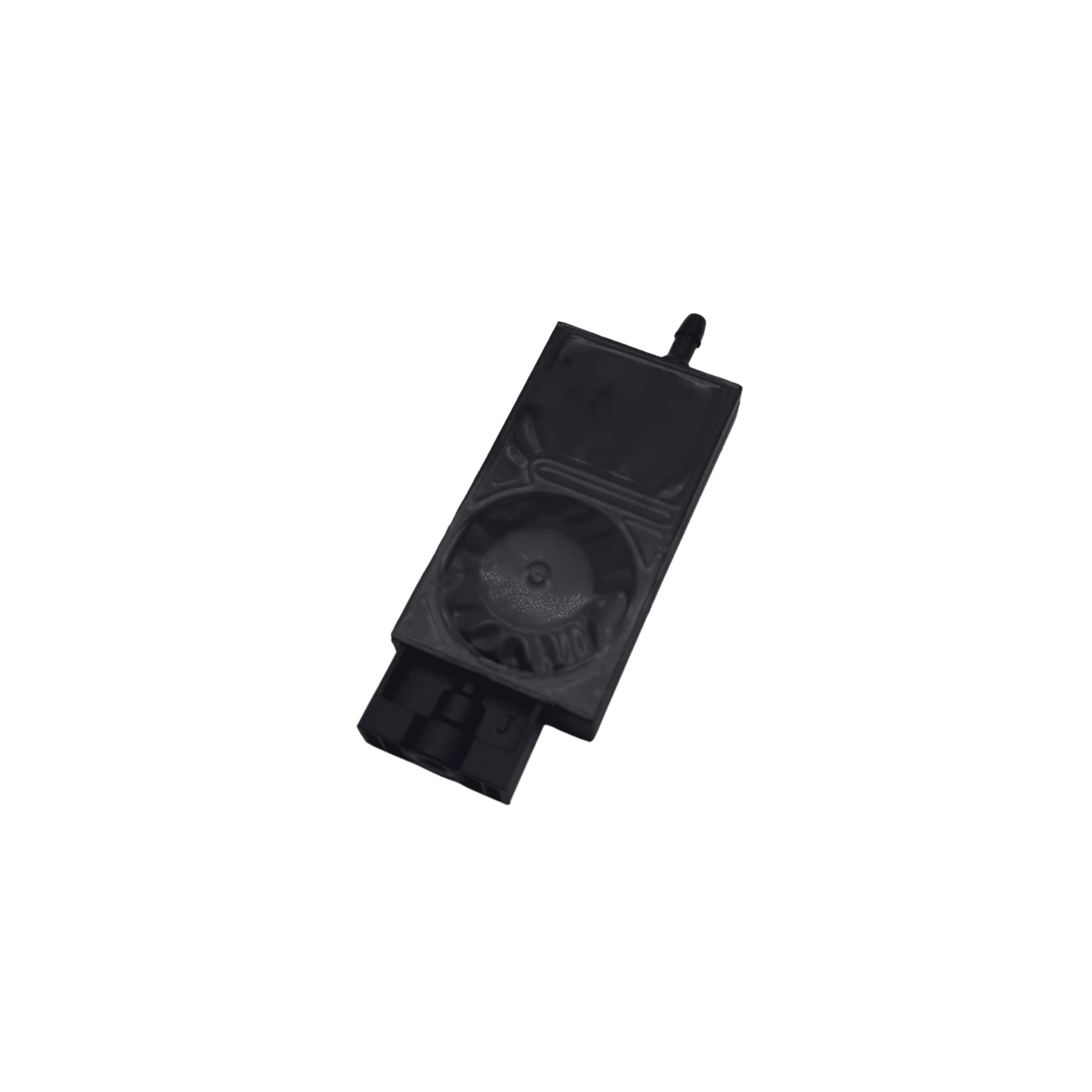
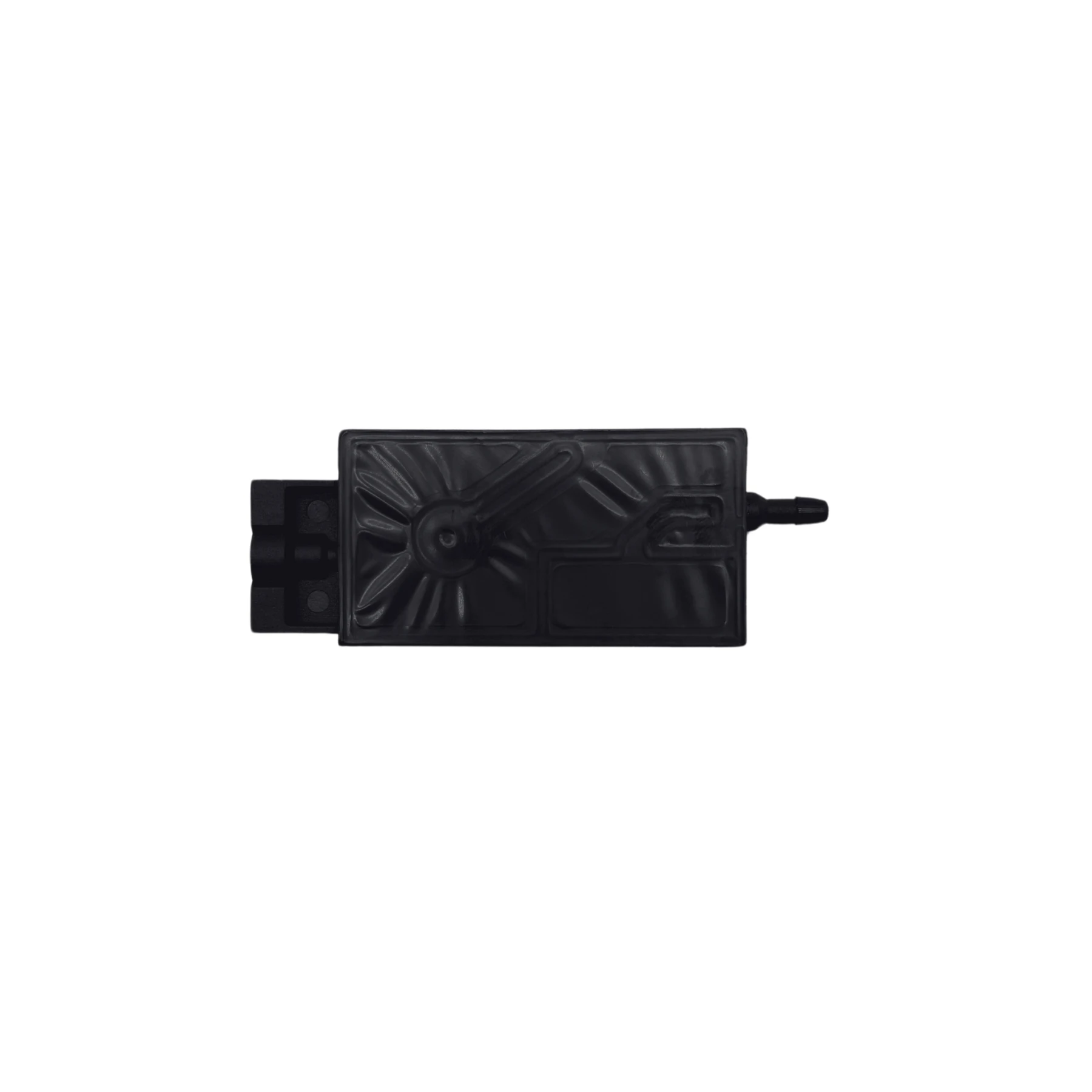
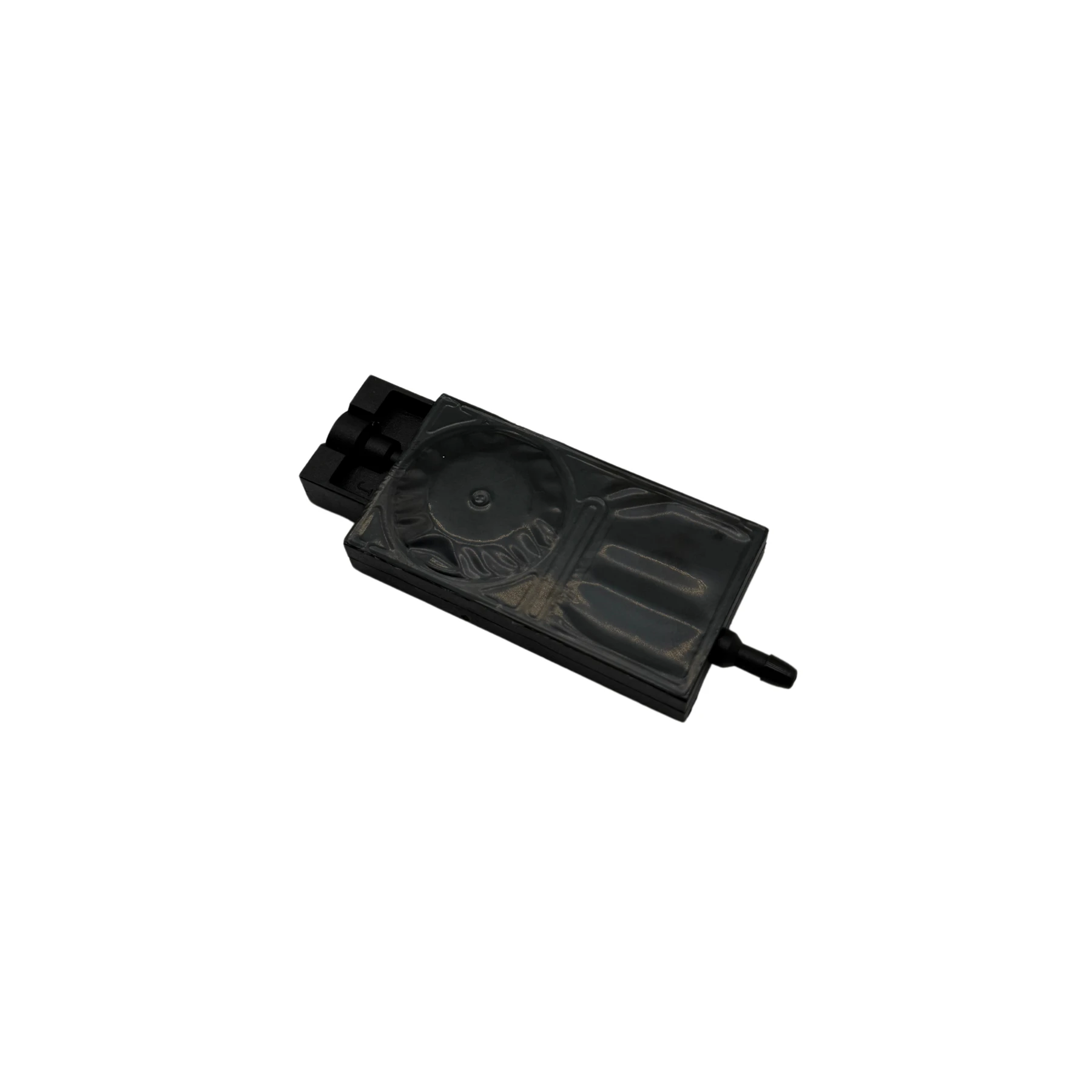
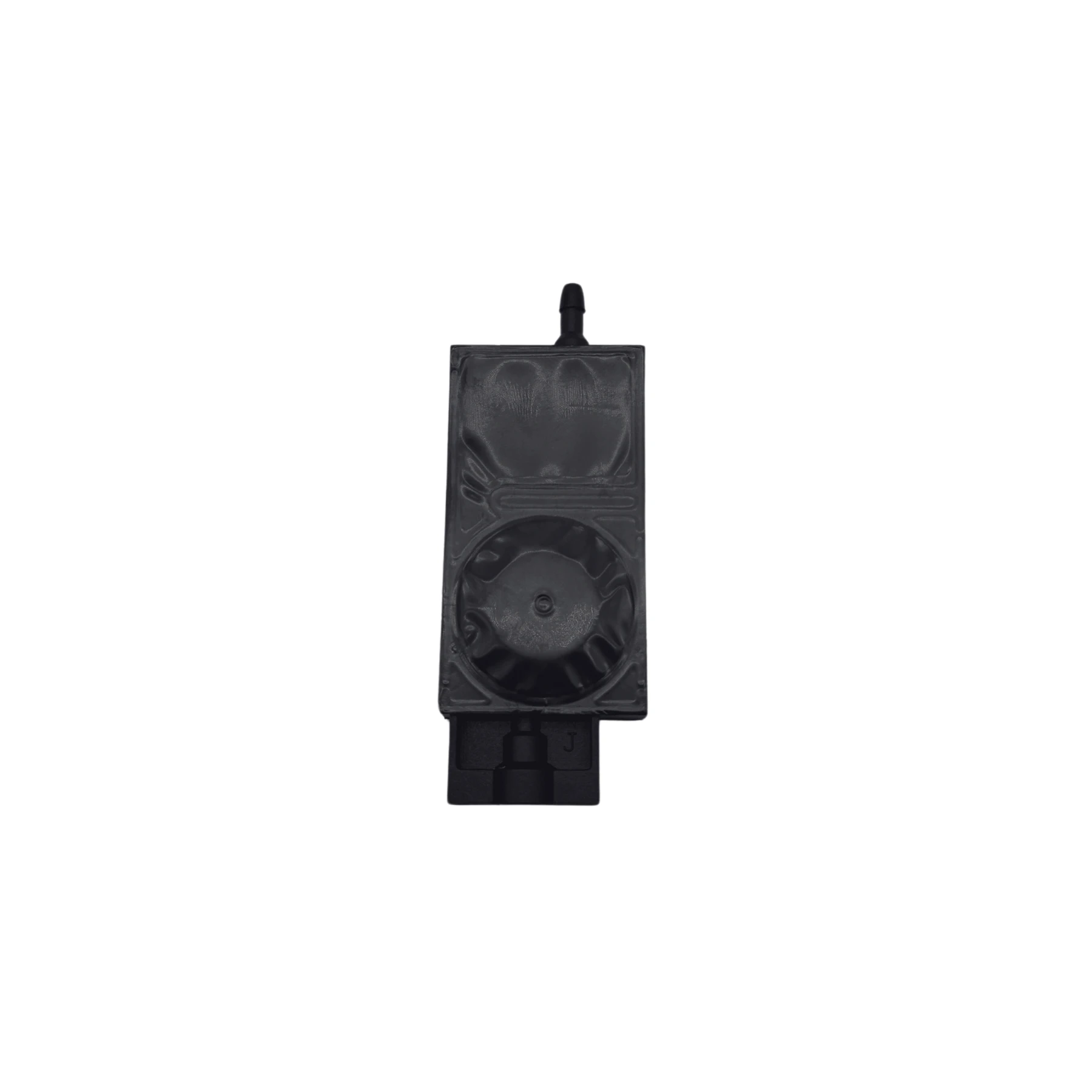
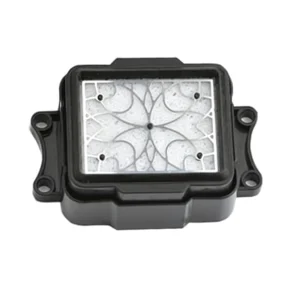
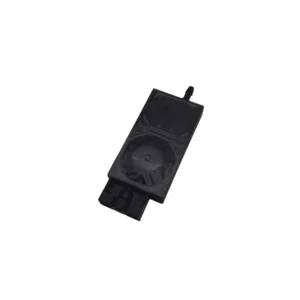
Printhead Damper for Epson I3200-U1 is available from YOUVSKEY. Review its features, technical details and handling guidance below to check suitability for your application.
- A Printhead Damper for Epson I3200-U1 is a critical component designed to regulate and stabilize ink flow from the ink supply to the printhead.
- Precise Ink Flow Control: Minimizes pressure fluctuations and ensures uniform ink distribution.
- Air Bubble Filtration: Traps and eliminates air bubbles that can cause printing errors.
- Durable Construction: Made from high-quality materials to withstand constant ink flow.
- Easy Installation: Designed to fit perfectly with Epson I3200-U1 printers for hassle-free setup.
- Enhanced Print Quality: Supports sharp, vibrant, and consistent prints by stabilizing ink supply.
- Reduces Printhead Clogging: Helps prolong printhead life by maintaining optimal ink flow.
- Compatible with Multiple Ink Types: Works effectively with dye and pigment inks used in Epson I3200-U1.
Specifications
| Product | Printhead Damper for Epson I3200-U1 |
|---|---|
| Brand | PRINTIUM |
| SKU | SP-P604U-010 |
| Reduces Printhead Clogging | Helps prolong printhead life by maintaining optimal ink flow. |
| Compatible with Multiple Ink Types | Works effectively with dye and pigment inks used in Epson I3200-U1. |
Instructions
- When installing this essential component, it’s important to follow the detailed guidelines provided by the printer manufacturer. Before beginning the replacement process, always ensure that the printer is completely powered off and that any residual pressure in the ink system is safely released. This precaution helps prevent accidental ink spills and protects sensitive printer parts.
- Regular inspections should be part of your maintenance routine, especially if your printer is used heavily. Checking the damper for signs of wear, damage, or clogging every few months can help you identify potential issues early. Early detection allows you to address problems before they affect print quality or cause system malfunctions.
- If you notice any inconsistency in ink flow or a decline in print quality, it may be necessary to clean or replace the damper. Cleaning usually involves flushing the component to remove any ink buildup or debris that could be obstructing smooth flow. If cleaning does not restore performance, replacing the damper with a new, compatible unit is recommended.
- Periodic replacement is important to maintain the printer’s peak performance. Over time, even the best components wear down, so following a regular replacement schedule based on usage intensity will help avoid unexpected downtime. Always use parts that are specifically designed for the Epson I3200-U1 model to ensure proper fit and function, avoiding potential damage that can occur with incompatible accessories.
Use these product-specific notes together with the supplied equipment manual and product label. Confirm compatibility and perform a small test before production.
Reviews
There are no reviews yet.