
Features
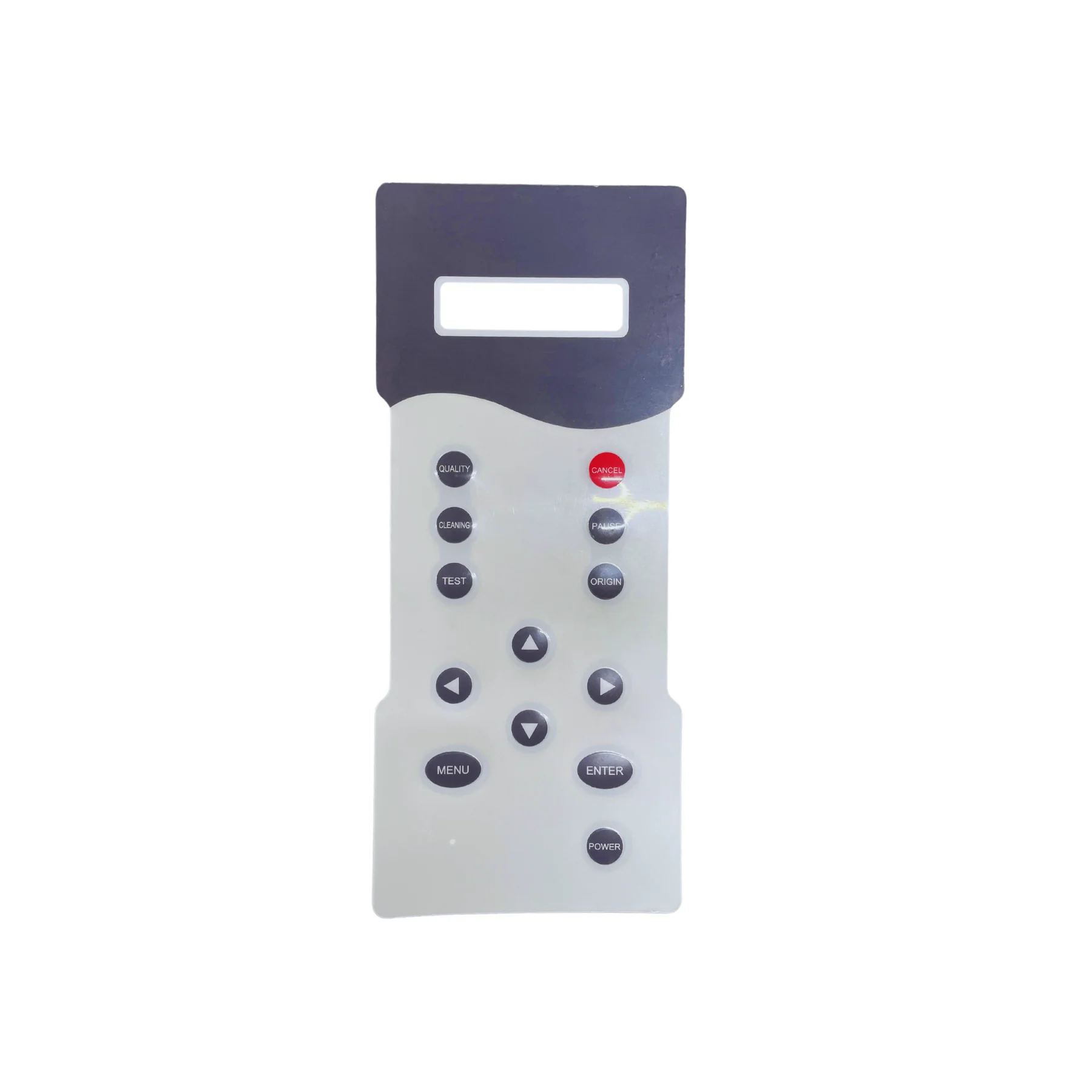
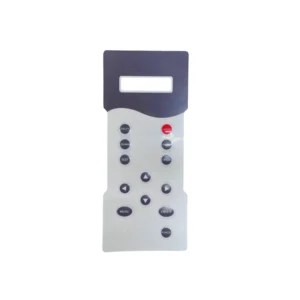
Printer Control Keypad Panel is available from YOUVSKEY. Review its features, technical details and handling guidance below to check suitability for your application.
- Operational speed in digital printing depends directly on the interface.
- The LCD or LED screens on the panel feature high contrast ratios.
- Print shops are environments filled with dust and chemical vapors.
- The internal circuits of the panel are protected against static electricity.
- The mounting brackets and outer casing are made of impact-resistant ABS plastic.
- This panel communicates with the printer's mainboard at high speeds.
- Emergency stop and pause functions are integrated into the panel for safety.
- If your current panel has non-responsive buttons or a dim screen, it is time for a change.
Specifications
| Product | Printer Control Keypad Panel |
|---|---|
| Brand | PRINTIUM |
| SKU | SP-P604-0036 |
| Language | English |
| Product Size | 10.2 (L) x 4.3 (W) inches |
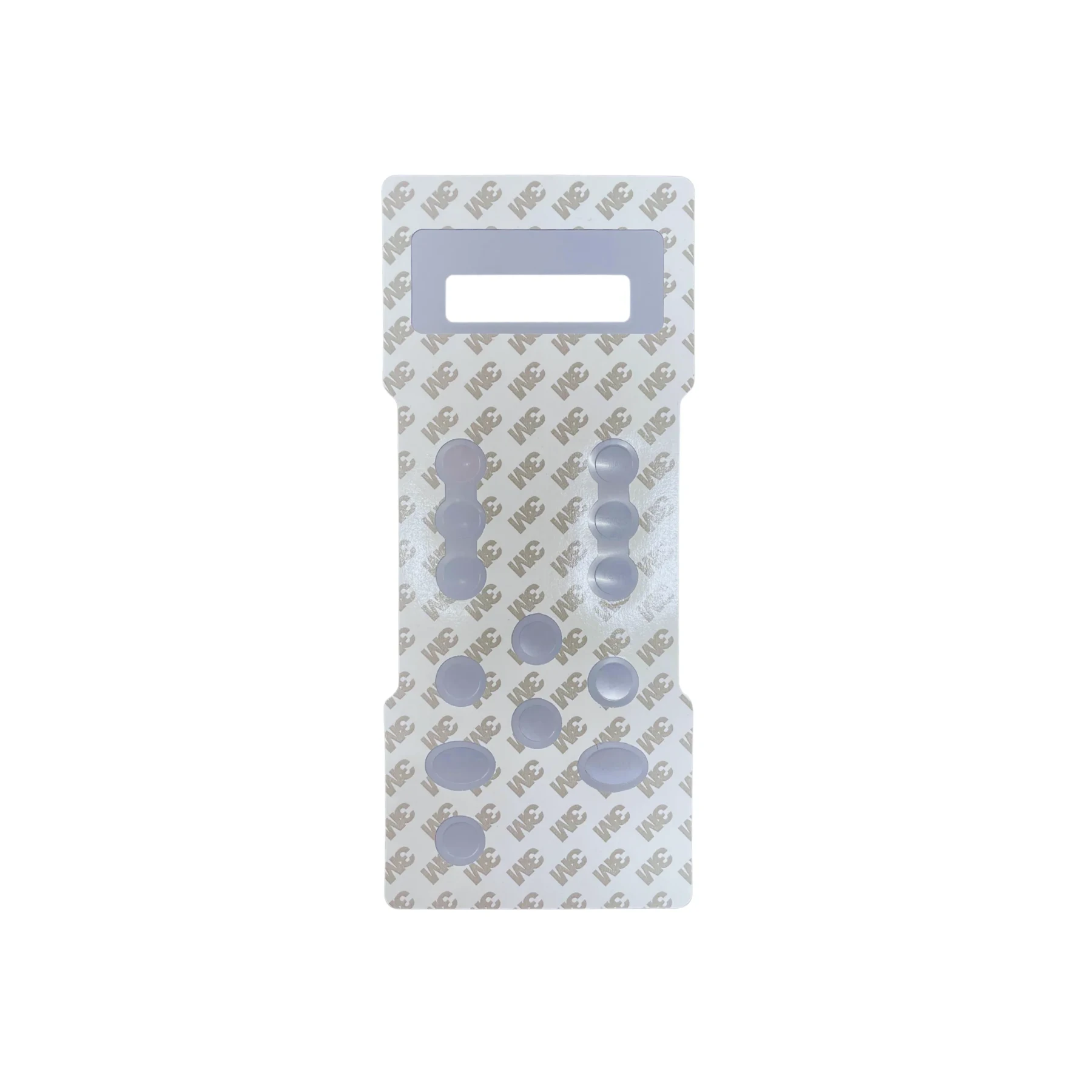
| Application | 3M adhesive, peel and apply |
Instructions
General handling guidance
- Check the exact model, dimensions and connection or mounting requirements against your equipment before use.
- Use the equipment manufacturer’s service manual for installation. Electrical, printhead and internal mechanical work should be carried out by a qualified technician.
- Switch off and isolate the equipment from its power supply before servicing; allow hot components to cool.
- Inspect the replacement part and preserve the original cable, tube and connector orientation. Do not force fittings or substitute an unverified electrical rating.
- After installation, follow the equipment manual’s inspection and test procedure before returning the machine to production.


Reviews
There are no reviews yet.